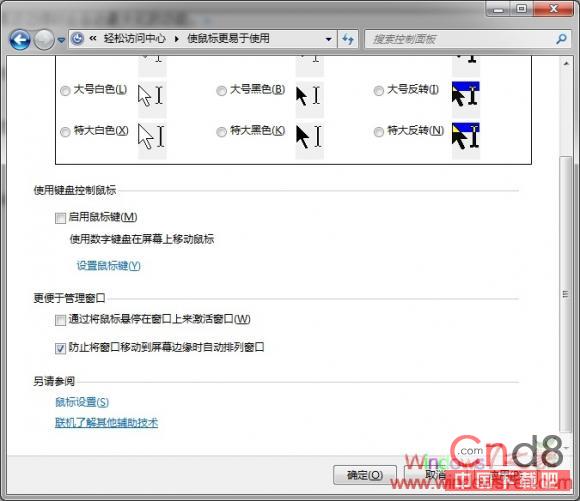
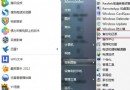
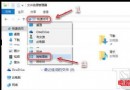
Aero Snap:視窗拖至螢幕邊緣自動最大化/佔半螢幕。有人愛有人恨,視習慣而定。關閉方法:
想用時取消勾選即可恢復。
Dell XPS 14z:Windows 7 家庭進階版成就輕薄影音全能本
Windows 7 系統資料庫功能實用技巧:輕鬆管理海量檔案
Win7 設定登入密碼錯誤次數限制:群組原則防暴力破解教學
XP 建立 VPN + NAT 共享上網:單網卡也能做,註冊表 + netsh 完整步驟
Windows 7 省電設計讓清華同方鋼鐵俠 X46H 遊戲筆電續航更持久:處理器電源管理、計時器合併、DVD 優化三大技術
Win7 修復 .exe 執行檔關聯錯誤:註冊表修改法
Windows 7 開啟路由器管理頁面完整指南
微軟開始為 Windows 8 招兵買馬