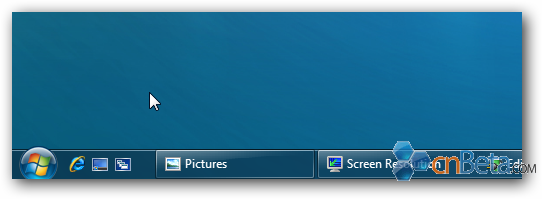
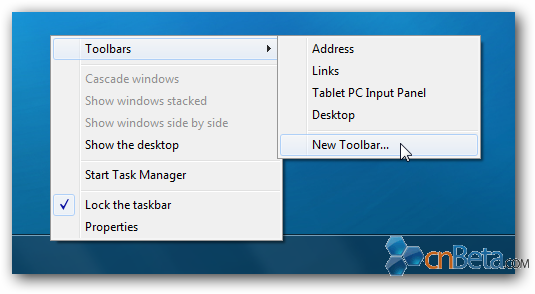
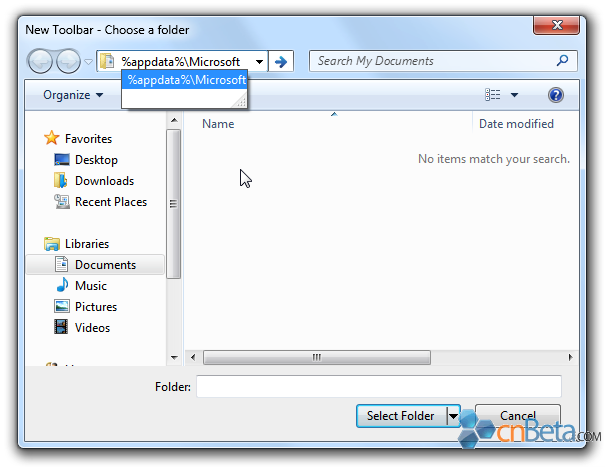
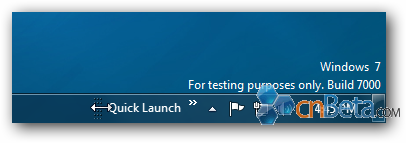
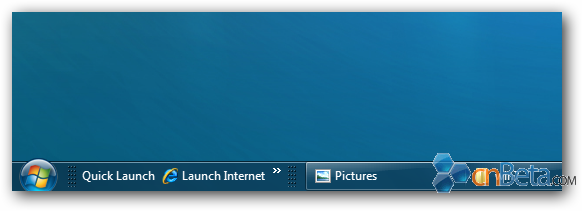
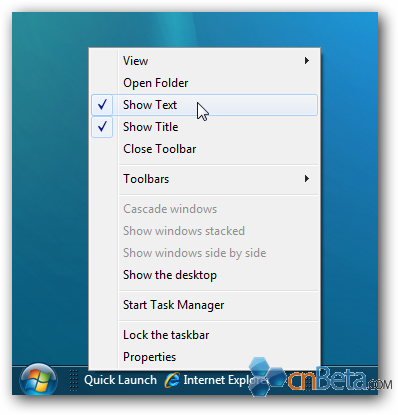
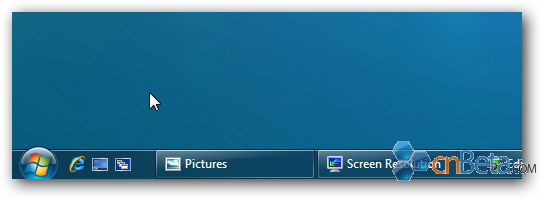
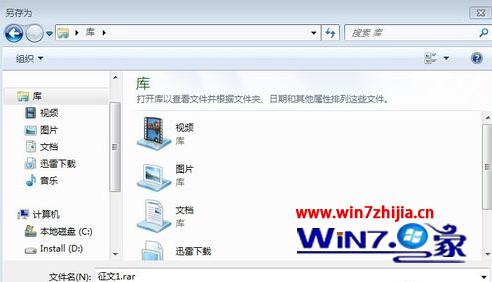
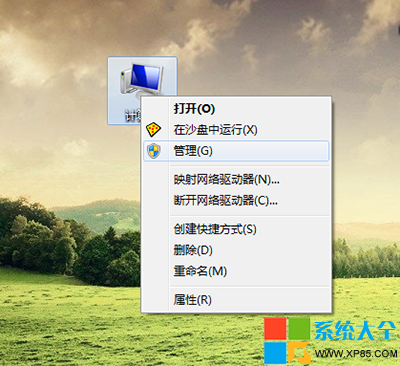
Windows 7 以新工作列取代快速啟動,但可手動恢復:
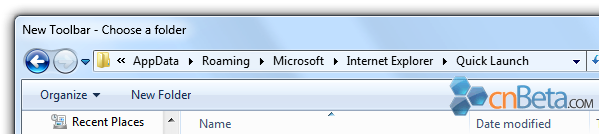
%appdata%\Microsoft\Internet Explorer\Quick Launch
經典快速啟動即刻回歸,習慣舊操作的用戶福音。
Win7 找不到 FlashPaper 虛擬印表機?啟用 Print Spooler 並重新安裝 FlashPaper
Win7 開機每次都跑磁碟檢查 (chkdsk) 怎麼關閉?登錄檔修改法
Windows 7 刪除系統還原點釋放磁碟空間:圖文步驟教學
Windows 7 英文版介面改為中文完整圖文教學
Windows XP/7 死機完整排查指南:開機、執行、關機三階段成因與對策
Win7 喚醒電腦提示「拒絕存取」?關閉再開啟休眠功能快速修復
微軟全國搜羅 97 份盜版 Win7 測試:93% 存在潛在危險,39% 無法安裝或含毒
Win7 連接藍牙耳機完整教學:從配對到設定預設播放裝置