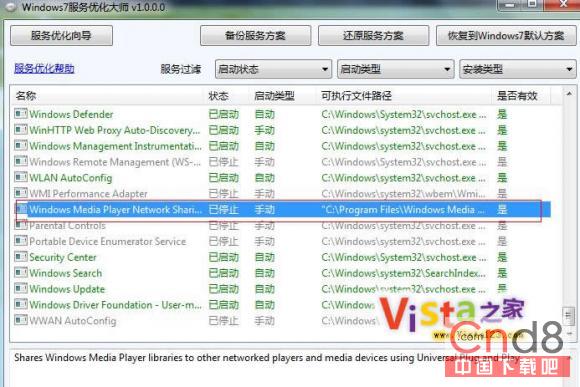
Windows 7 內建 WMP 12,但部分使用者偏好 WMP 11 或需解決迅雷看看無法播放問題。移植 WMP 11 步驟:
Program Files\Windows Media Player
System32\wmp*
System32\en-us\wmploc.dll.mui
HKEY_LOCAL_MACHINE\Software\Microsoft\MediaPlayer\Setup\Installed Versions
提供修改好的註冊表檔下載,簡化操作。
Windows 7 照片檢視器開啟圖片緩慢?刪除 ICC 彩色設定檔立即恢復速度
不只迅雷看看:MMCSS 服務導致 Windows 7 系統卡頓、影音不同步的深度排查與解決
無光碟機如何重裝 Windows 7 系統
Win7 系統檔案損毀怎麼辦?SFC /scannow 一鍵修復教學
Win7 旗艦版資料庫功能加入網路檔案:三大前提條件 (聯網、存密碼、啟用離線檔案)
Device Stage:Windows 7 裝置互動新體驗
迅雷 5.9.10 更新:完美支援 Win7 任務列進度顯示、Jumplist 登入狀態、多款皮膚
Win7 開啟 CPU 儀表板小工具:即時監控 CPU 使用率與記憶體,對比工作管理員效能數據