Windows 7 Build 7057 內建登入畫面背景自訂功能,無需第三方工具破解,透過登錄檔啟用並放入對應解析度圖片即可實現 OEM 級客製化。
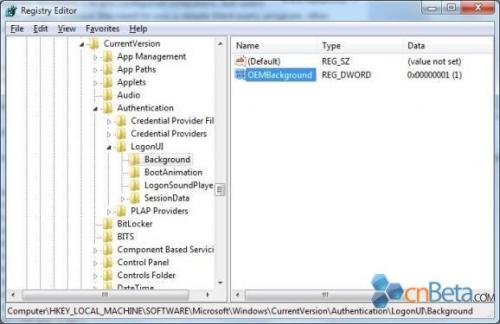
HKLM\Software\Microsoft\Windows\CurrentVersion\Authentication\LogonUI\Background。OEMBackground,設為 1(啟用)。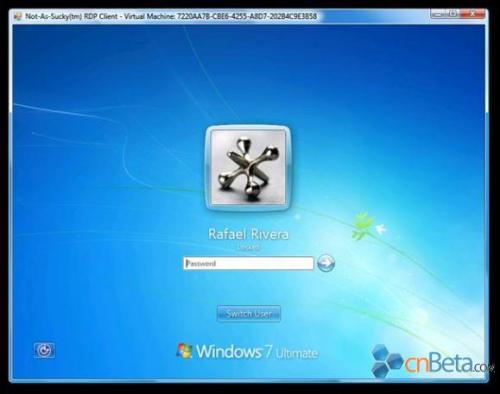
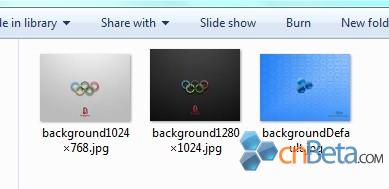
%windir%\system32\oobe\info\backgrounds(無則自建)。backgroundDefault.jpg(找不到對應解析度時使用)background1920x1200.jpg(1.6 比例)background1440x900.jpg(1.6 比例)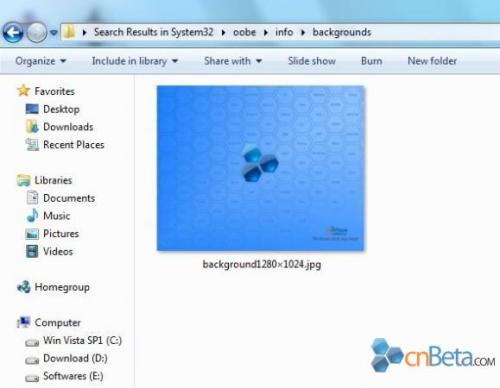
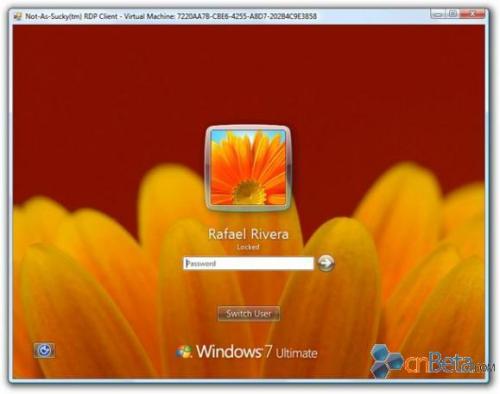
設定完成後重新啟動或鎖定電腦(Win+L)即可見效。