Windows XP Windows 7 Windows 2003 Windows Vista Windows 綜合教學 Linux 系統教學
Windows 10 Windows 8 Windows 2008 Windows NT Windows Server 電腦軟體教學

Win7 加入右鍵「列印目錄清單」兩法:臨時 CMD 指令、永久發送到選單

編輯:Windows 7 系統介紹

常需列印資料夾檔案清單?Win7 兩種做法:

方法一:CMD 臨時產生文字檔列印(一次性)

  1. CMD 切換到目標資料夾(cd /d 路徑)。
  2. 執行 dir > contents.txt。
  3. 開啟 contents.txt → 列印。

方法二:建立 Printdir.bat 加入「傳送到」選單(永久)

  1. 記事本貼上以下內容存為 Printdir.bat 放到 C:\Windows(需管理員權限):
@echo off
dir %1 /-p /o:gn > "%temp%\Listing"
start /w notepad /p "%temp%\Listing"
del "%temp%\Listing"
exit
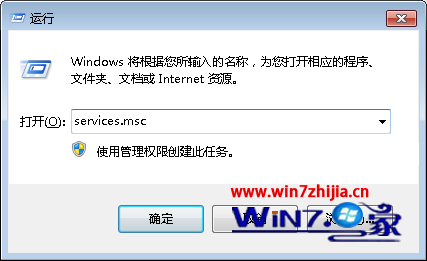
  1. Win+R 輸入 shell:sendto 開啟 SendTo 資料夾。
  2. 右鍵新增捷徑 → 位置輸入 %windir%\Printdir.bat → 名稱「列印目錄清單」。

使用

任何資料夾右鍵 → 「傳送到」 → 「列印目錄清單」 → 記事本自動開啟列印視窗 → 列印完成暫存檔自動刪除,超方便。

Copyright © Windows教程網 All Rights Reserved