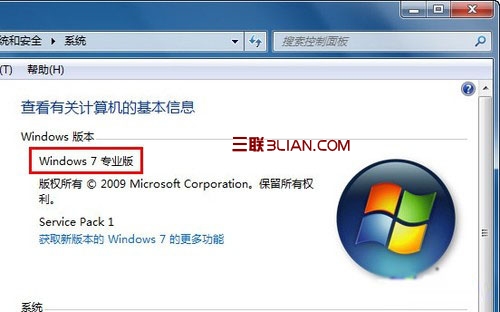
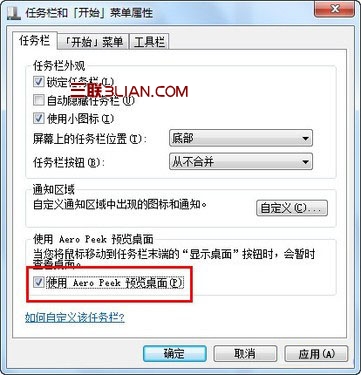
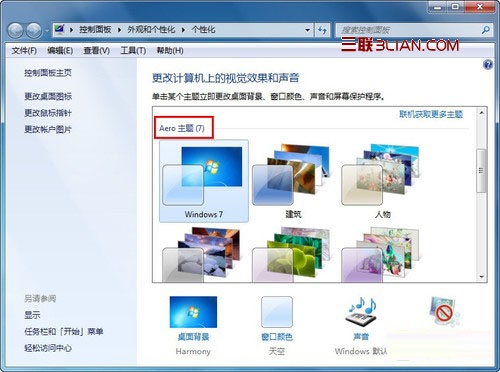
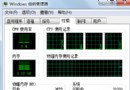
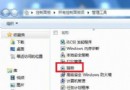
Win7 內建 Aero 玻璃效果有時會失效。三步驟快速排查:
通常這三步即能解決 Aero 不顯示問題,快去享受炫酷透明效果!
Win7 RM/RMVB 影片檔案損壞修復三大工具:rmfixit、RMVB 修復終結者、Real 廣告清除工具
2009 微軟十大事件回顧:Windows 7 上市居首,首度大規模裁員次之
Win7 路由器設定正確卻無法上網?完整排除流程
控制台出現「Tencent QQMail Plugin」是什麼?可否移除?
Win7 相容性問題解決:相容模式執行、系統管理員身分執行、尋找原生版替代方案
Win7 修改註冊表縮短關機等待時間:WaitToKillServiceTimeout 5 秒優化
筆記型電腦 Windows 7 插入 USB 裝置無反應?顯示隱藏空磁碟機解決識別問題
Win7 本機群組原則 (gpedit.msc) 打不開?註冊表修復 Restrict_Run 限制恢復存取