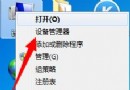
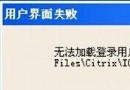
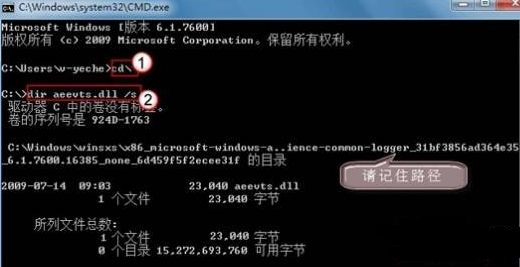
在 64 位元 Windows 7 上執行舊版軟體或遊戲時出現「不相容」錯誤,許多使用者習慣下載相容性補丁,其實透過內建的「相容性模式」即可快速解決,無需額外工具。
此方法適用於大多數 32 位元舊應用程式在 64 位元 Win7 環境下的相容性問題,是官方建議的標準解決方案。
Win7 如何給 USB 隨身碟加密上鎖?使用 U 盤加密精靈建立加密區
Ghost Win7 運行遊戲提示「系統資源不足」?三大優化方向釋放資源
Win7 玩 LOL 跳出「憑證過期」?關閉 IE 兩項檢查即時解決
Windows 7 透過 VNC Viewer 遠端存取 Ubuntu 桌面:Server 端設定與 Client 端連線完整指南
Windows 7 升級加速:企業用 MAP 工具組、個人用升級顧問,ACT 解決相容性
Windows 7 增強版防火牆深度解析:三網路模式、多設定檔、事件檢視器
Win7 掃雷遊戲外觀更換:遊戲選單一鍵切換、隨機外觀增添驚喜
如何提取 Windows 7 主題音效套用至其他主題