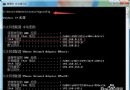
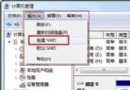
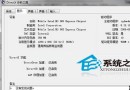
安裝驅動程式/軟體時彈出錯誤:「找不到指定模組」或「XXX.dll 檔案遺失」。
應用程式優先從自身目錄尋找 DLL,找不到再找 C:\Windows\System32。若 System32 也缺少,則報錯。Windows 7 將大量系統 DLL 儲存在 C:\Windows\WinSxS (元件存放區),相容性良好時所需 DLL 多在其中。
cmd → Ctrl+Shift+Enter。cd /d C:\Windows\System32 (確保在 System32 目錄)。dir 缺失檔名.dll /s (例:dir aeevts.dll /s)。C:\Windows\WinSxS\... 路徑。C:\Windows\System32:copy "C:\Windows\WinSxS\完整路徑\缺失檔名.dll" "C:\Windows\System32\"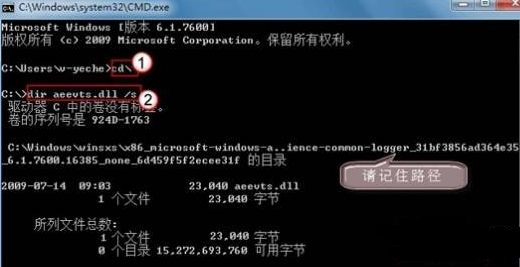
install.wim 解壓、或官方下載對應 KB 更新包提取。C:\Windows\SysWOW64。