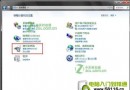
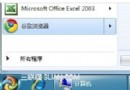
右鍵「電腦」→「管理」呼叫裝置管理員頻繁導致 Explorer.exe 崩潰,重灌無效。經測試,修改登錄表呼叫指令為 XP 風格即可修復。
修復步驟
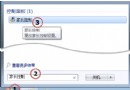
regedit 定位:HKEY_LOCAL_MACHINE\Software\Classes\CLSID\{20D04FE0-3AEA-1069-A2D8-08002B30309D}\Shell\Manage\Command%Windir%\System32\MMC.exe /s %Windir%\System32\Compmgmt.mscCompMgmt.reg 以便日後恢復。原理
原指令在 Win7 下不穩,改用 XP 時代呼叫「電腦管理」的 MMC 指令,在 Win7 依然正常運作且不崩潰。
適用性
非所有 Win7 皆發生,機率性問題;遇到者可用此法暫時解決,待微軟官方修補。