mmc
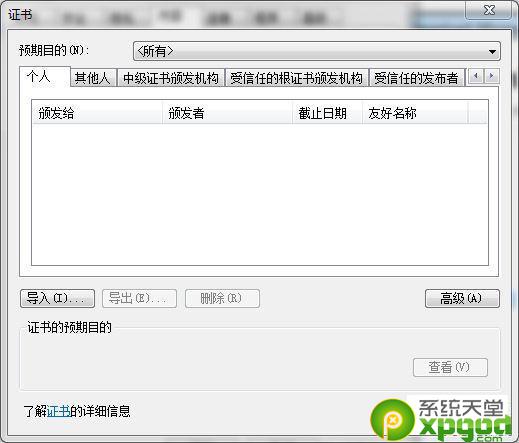
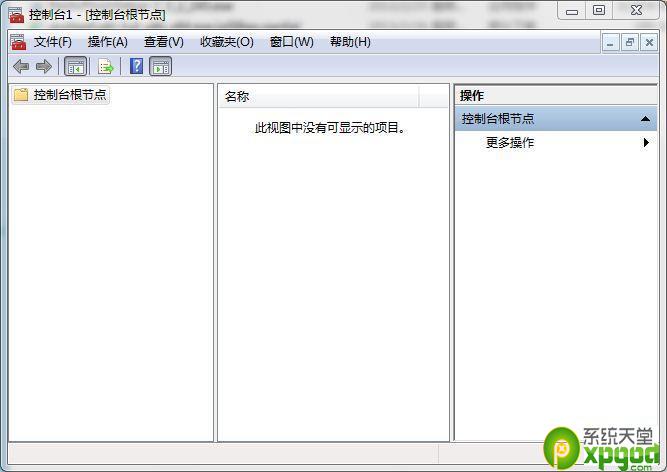
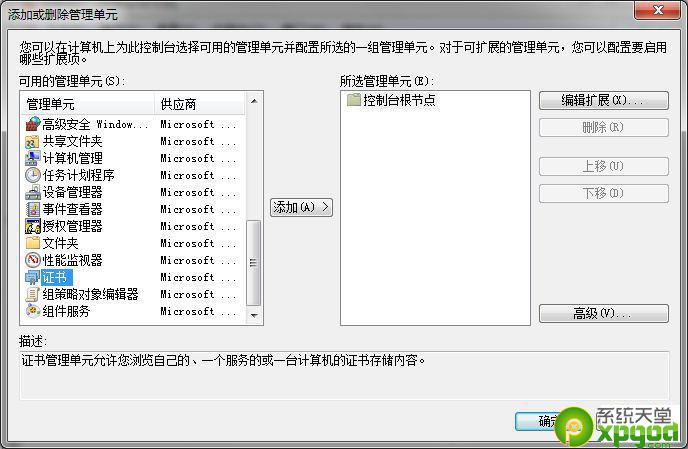
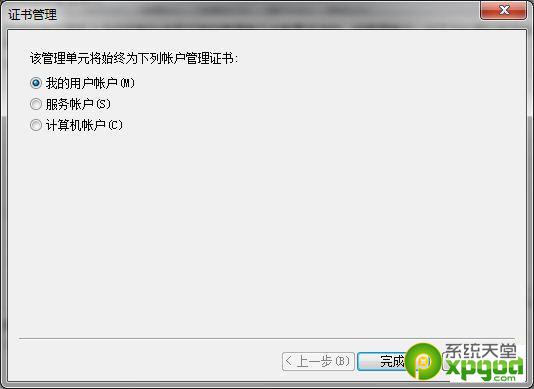
重裝系統後匯入舊網銀憑證常導致衝突,MMC 法可清除 IE 介面看不見的機器/中繼憑證,徹底解決「憑證錯誤」困擾。
如何確認 Win7/Win8.1 升級預約 Win10 是否成功
Win7 家庭群組無法存取解決:調整 LAN Manager 驗證等級與網路設定檔
變更 Windows 7 歡迎畫面與系統帳號介面顯示語言
Windows 7 找不到掃描儀?兩種快速開啟掃描介面的方法
Windows 7 視覺效果自訂優化:在美觀與效能間找到平衡點
Win7 如何給 USB 隨身碟加密上鎖?使用 U 盤加密精靈建立加密區
Windows 7 如何連接網路?網路和共用中心一站式管理有線/無線/撥號/VPN
簡單指令關閉 Windows 7 IPv6 隧道介面:淨化 ipconfig 輸出、提升網路除錯效率