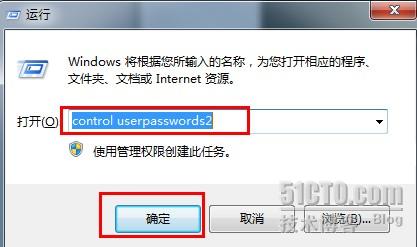
control userpasswords2
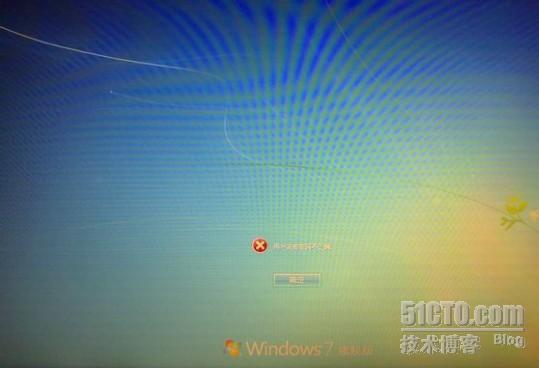
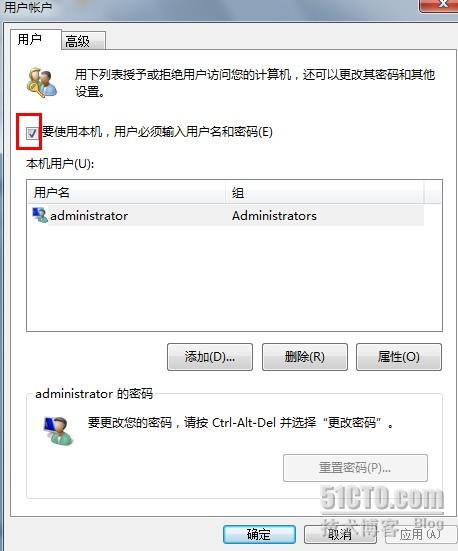
核心原因:自動登入設定與實際帳號密碼不符,透過 control userpasswords2 直接調整登入需求即可解除彈窗困擾。
清除右鍵選單垃圾項:註冊表搜刪法與「超級右鍵」工具法,針對殘留與系統級掛載雙重清理
Windows 7 前置音源孔無聲音?Realtek 音訊管理員一鍵修復
Win7 媒體中心打造影音娛樂中心:線上高清影視、音樂、圖片一站滿足
Win7 麥克風設定全圖解:從驅動安裝到音量增益調整
Win7 內建「系統保護」找回誤刪檔案:免費、無需第三方軟體
Win7 硬碟空間不翼而飛?揭秘廠商標示與實際容量落差、隱藏檔案佔用、還原分區三大真相
Win7 系統出現錯誤代碼 0x80004005 該如何解決?
Win7 進入安全模式兩大標準方法:F8 鍵與 Ctrl 鍵啟動選單