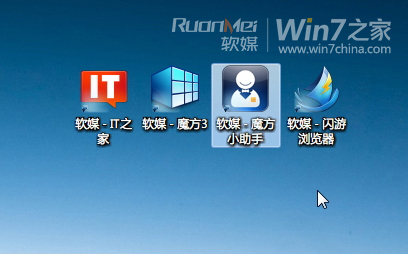
桌面圖示被選取時的虛線框 (焦點框) 讓強迫症抓狂?可透過視覺效果設定暫時隱藏:
設定步驟
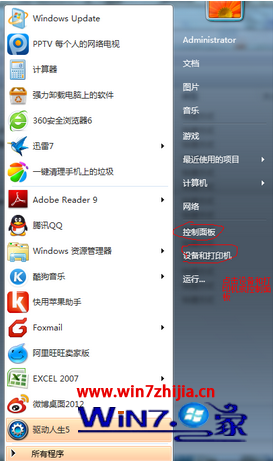
- 右鍵「電腦」→「內容」→ 左側「進階系統設定」→「進階」→「效能」區塊「設定」。
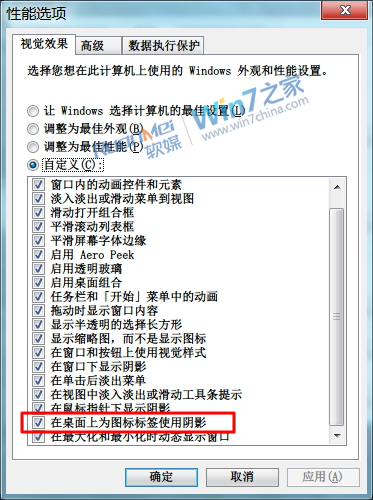
- 勾選 在桌面上為圖示標籤使用陰影,確定套用。
立即生效:重啟 Explorer
- 工作管理員 → 進程 → 結束
explorer.exe。
- 檔案 → 執行新工作 → 輸入
explorer → 確定。
注意限制
- 非永久移除:虛線框是鍵盤導航焦點指示器,按方向鍵、Ctrl/Shift+方向鍵、更換桌布等動作會讓它再次出現。
- 註冊表刪除
UserPreferencesMask 無效 (該值控制選單動畫,非焦點框)。
一鍵重啟 Explorer 批次檔 (restart_explorer.bat)
taskkill /f /im explorer.exe
start explorer.exe
exit
存為 `.bat` 雙擊執行,美化控者必備隨時淨化桌面。