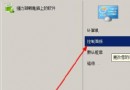
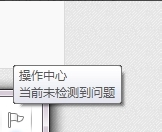
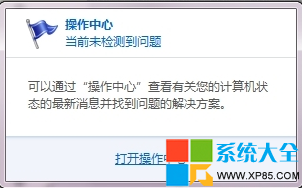
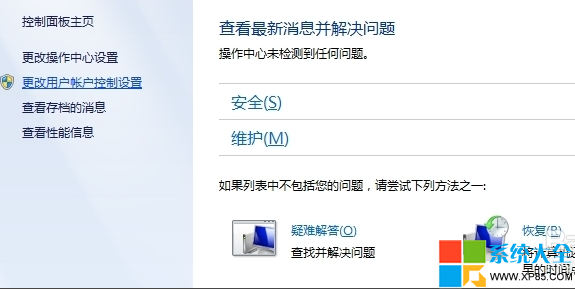
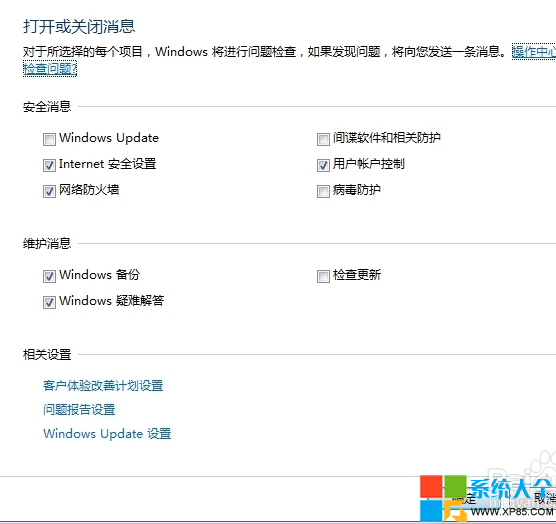
Windows 7 工作列右下角旗幟圖示 (Action Center) 持續彈出「Windows Update 可用」、「防毒軟體過期」、「備份未設定」等通知,且自動更新在背景下載佔用頻寬、安裝需重開機,嚴重干擾工作。本文教你透過「動作中心設定」徹底關閉各類通知、調整自動更新行為,並提供註冊表一鍵停用方案。
Windows Registry Editor Version 5.00

; 關閉所有 Action Center 通知
[HKEY_CURRENT_USER\Software\Microsoft\Windows\CurrentVersion\Action Center\Checks]
"CheckForUpdates"=dword:00000000
"WindowsUpdate"=dword:00000000
"Antivirus"=dword:00000000
"Firewall"=dword:00000000
"Spyware"=dword:00000000
"InternetSettings"=dword:00000000
"UserAccountControl"=dword:00000000
"Maintenance"=dword:00000000
"Backup"=dword:00000000

; 隱藏旗幟圖示
[HKEY_CURRENT_USER\Software\Classes\Local Settings\Software\Microsoft\Windows\CurrentVersion\TrayNotify]
"IconStreams"=-
"PastIconsStream"=-

[HKEY_CURRENT_USER\Software\Microsoft\Windows\CurrentVersion\Policies\Explorer]
"HideSCAHealth"=dword:00000001
儲存為 DisableActionCenter.reg 匯入,登出重新登入生效。