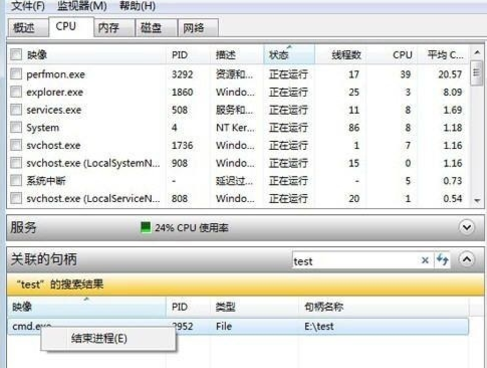
檔案/資料夾被某進程持有控制代碼 (Handle),必須結束該進程才能刪除。
D:\test
cd /d D:\test
test
cmd.exe
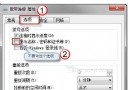
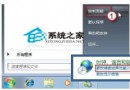
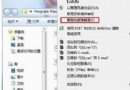
建立捷徑目標:C:\Windows\System32\perfmon.exe /res,單擊直達資源監視器。
C:\Windows\System32\perfmon.exe /res
explorer.exe
SearchIndexer.exe
Win7 不想用迅雷下載?禁用 IE 迅雷插件即可
Windows 7 對企業是強心針還是華麗炸彈?利多大於負面
Intel 回應 Win 7 與 iPhone 不相容:理論上是 BIOS 或系統配置問題
Win7 旗艦版開機需重啟兩次才偵測到硬碟?兩大原因與對策
Win 7 開啟防火牆即斷網?關閉 NOD32「ARP 攻擊偵測」與「阻擋不安全位址」恢復上網
卡巴斯基 2010 修正版釋出:解決 Windows 7 相容性死機問題
Win7 移除內建遊戲元件 釋放系統資源 圖文教學
U啟動 U盤裝 Win7 系統教程:一鍵製作啟動盤與安裝完整流程