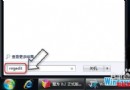
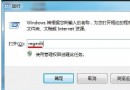
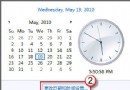
手動校正步驟
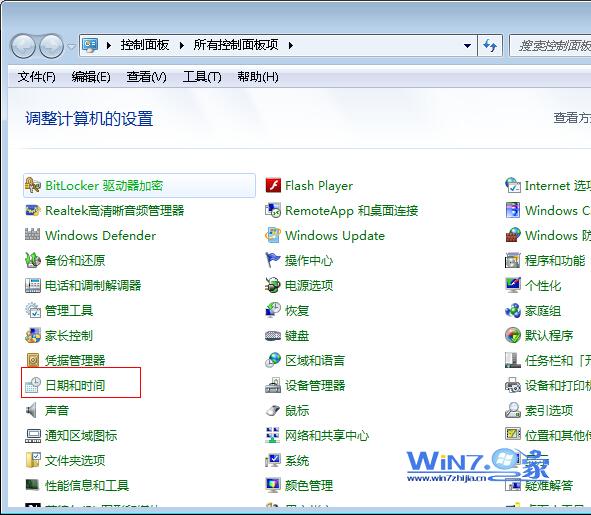
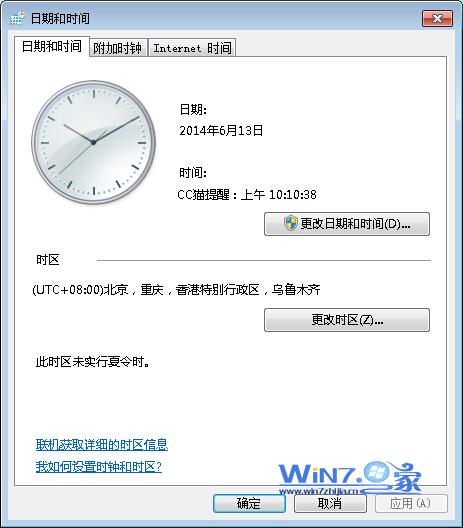
- 「控制台」→ 「日期和時間」。
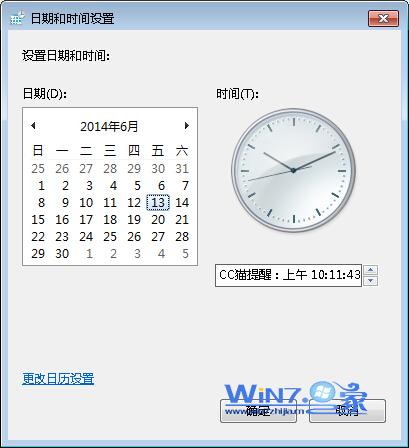
- 點選 「變更日期和時間」 按鈕。
- 設定正確的日期、時間、時區。
- 點選「確定」儲存。
常見原因與根治
- 主機板電池 (CR2032) 耗盡:關機斷電後時間歸零/亂碼,需更換電池 (約 10-20 元)。
- 時區設定錯誤:確認時區為「台北標準時間 (UTC+08:00)」。
- 網路時間同步失敗:「網路時間」 索引標籤 → 「變更設定」 → 勾選「與網際網路時間伺服器同步」→ 伺服器選
time.windows.com 或 stdtime.gov.hk → 「立即更新」。
建議
更換主機板電池後,重新設定時間並啟用網路同步,可長期保持時間準確。