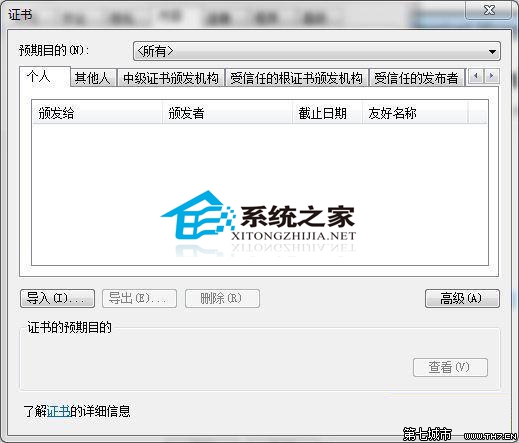
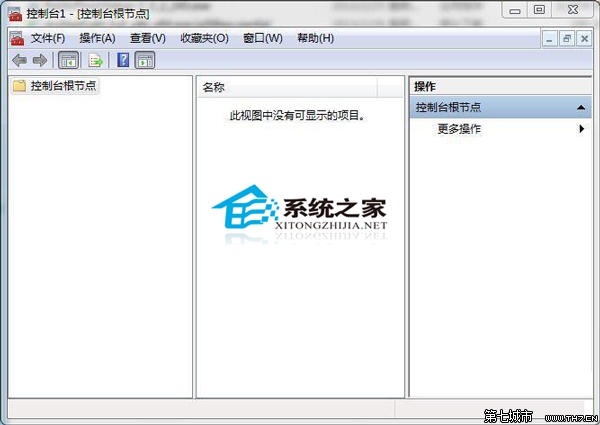
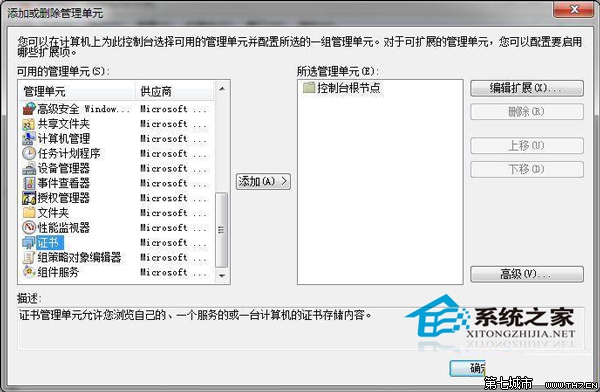
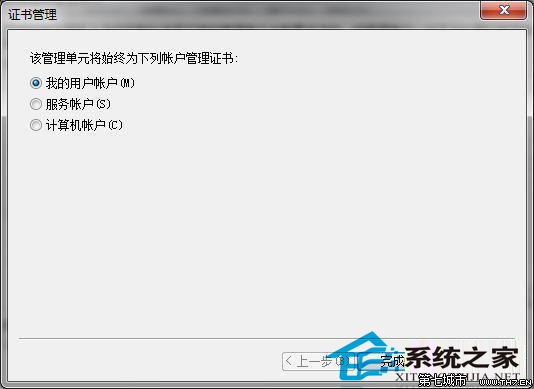
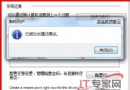
IE「內容」→「憑證」中部分錯誤憑證無法顯示/刪除,需用 MMC 管理。
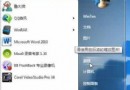
mmc
此法可管理所有使用者/電腦/服務帳戶的憑證,功能比 IE 內建介面完整。
三種方法將資源回收筒釘選到 Windows 7 工作列
Windows 7 企業生存之道:DirectAccess、BranchCache、BitLocker To Go、AppLocker 四大支柱
Win7 系統進程優化完美方案:停用非必要服務與啟動項釋放資源
Win7 工作列深度客製化 8 招:快速啟動欄、庫改我的電腦、圖示大小、Jumplist、7stacks、Gmail Notifier、硬體監控
Win7 善用 ClearType 讓文字顯示更銳利:逐步對比調整
高手分享 Windows 7 70 招基礎技巧(前 10 招):移除側邊欄、音量調整、以其他使用者身分執行、虛擬硬碟 VHD、移除 Live Messenger、鎖定螢幕、建立鎖定捷徑、啟用開始功能表「執行」、改善 NVIDIA 桌面視窗管理、變更預設儲存位置
Windows 7 使用稽核原則監控 QQ 等程式存取:群組原則設定教學
微軟否認安全補丁導致 Win7 和 XP 黑屏死機