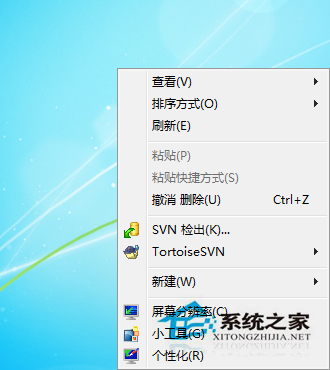
安裝 AMD 顯卡驅動後右鍵選單多出「AMD Vision Engine Control Center」,不需可用指令移除。
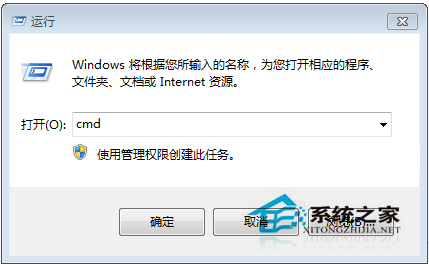
cmd 開啟命令提示字元。@reg delete HKEY_CLASSES_ROOT\Directory\Background\shellex\ContextMenuHandlers\ACE /f
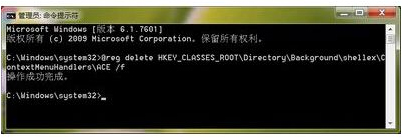
需恢復時執行:
@reg add HKEY_CLASSES_ROOT\Directory\Background\shellex\ContextMenuHandlers\ACE /ve /d {5E2121EE-0300-11D4-8D3B-444553540000}
移除後仍可從控制台進入 AMD 顯卡控制台,右鍵選單更乾淨。
Win7 開機後斷電黑屏?電源風扇不轉、電阻虛焊實測維修記錄
Windows 7 環境下使用 Ghost 備份還原的關鍵注意事項
Win7 Explorer.exe 應用程式錯誤三大解法:360 修復、IE 重置、CMD 註冊 DLL
Win7 工作管理員消失?三種方法恢復:雙擊邊框、群組原則、登錄表刪除病毒鍵值
Windows 7 固態硬碟優化完整指南:TRIM、SuperFetch、碎片整理、分頁檔案與休眠設定
Win7 旗艦版 surfAnonymous.exe 進程佔用大量資源導致卡頓?控制台解除安裝 Surf Anonymous Free 解決