Windows 10 預覽版相容性尚未完善,建議採用雙系統保留 Windows 7。本文詳述從 Windows 7 環境下,使用 nt6 hdd installer 硬碟安裝 Windows 10 的完整流程,無需 USB/光碟。
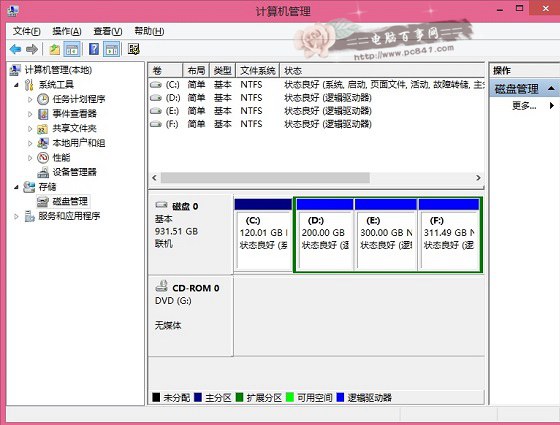
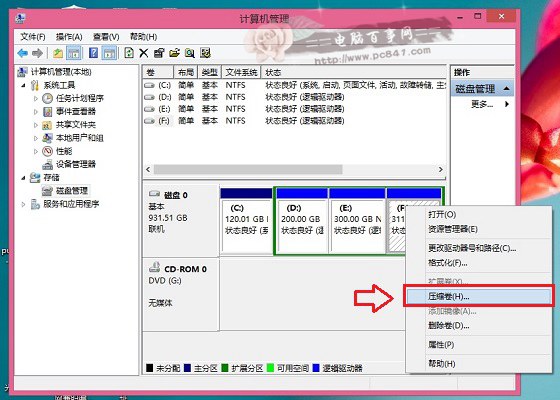
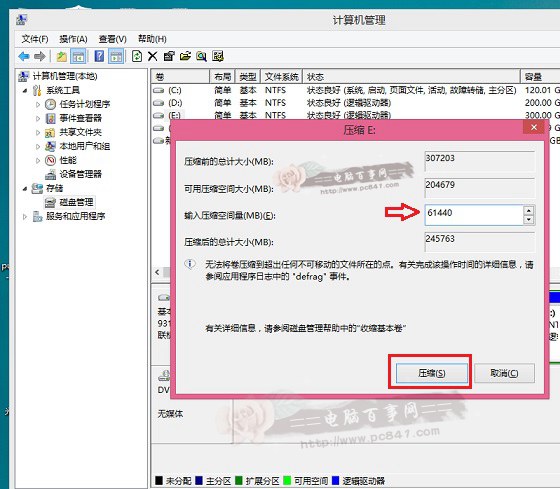
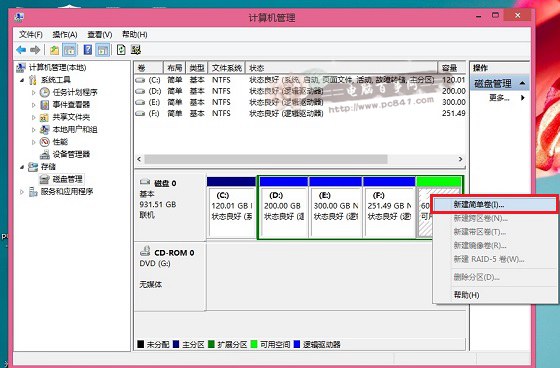
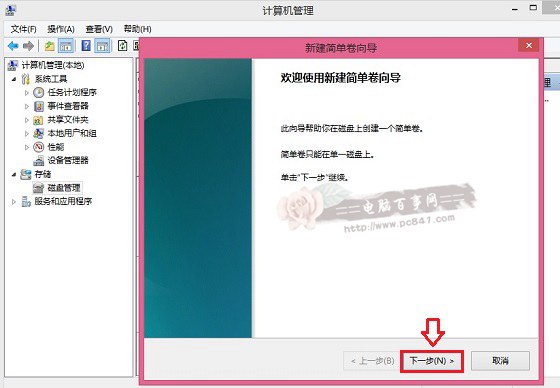
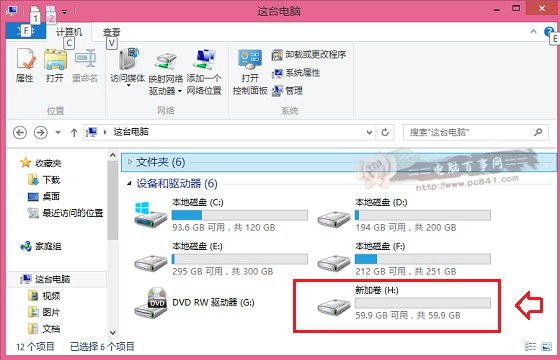
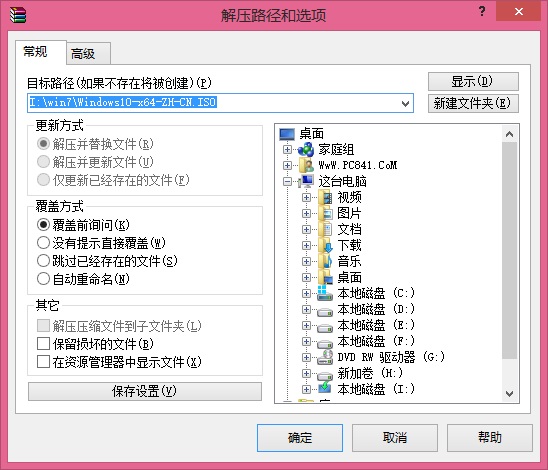
將 ISO 內容解壓至新分區根目錄 (如 H:\),再將 nt6 hdd installer 解壓後的執行檔複製到同目錄。
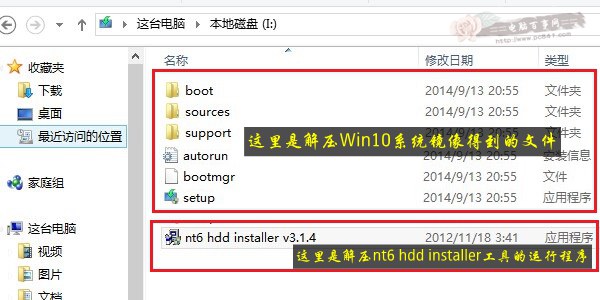
nt6 hdd installer v3.1.4.exe,點擊「安裝」。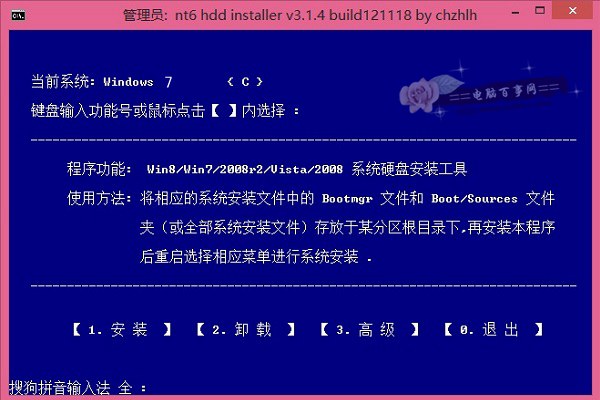
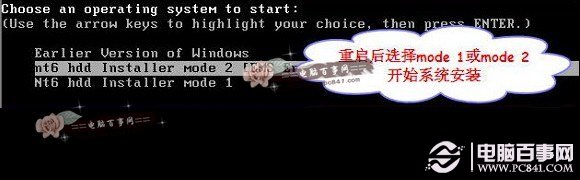
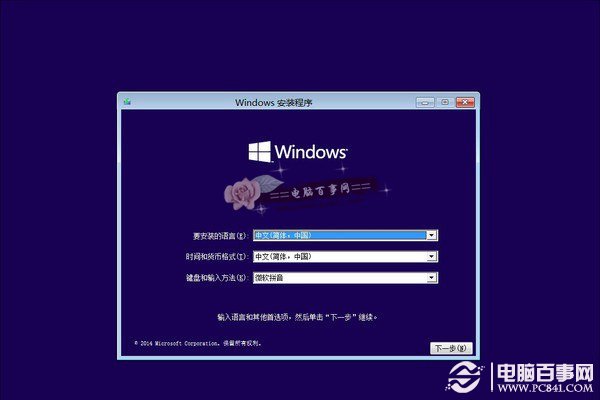
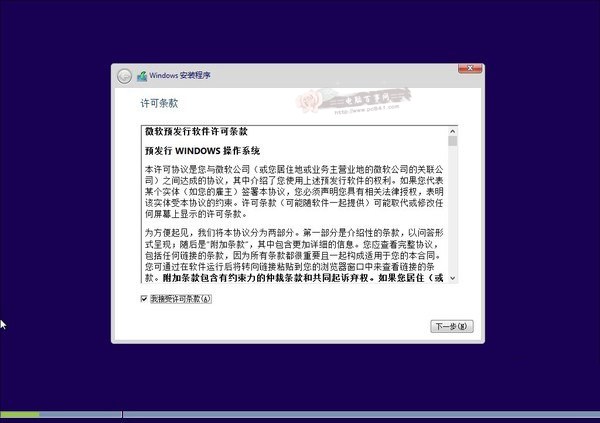
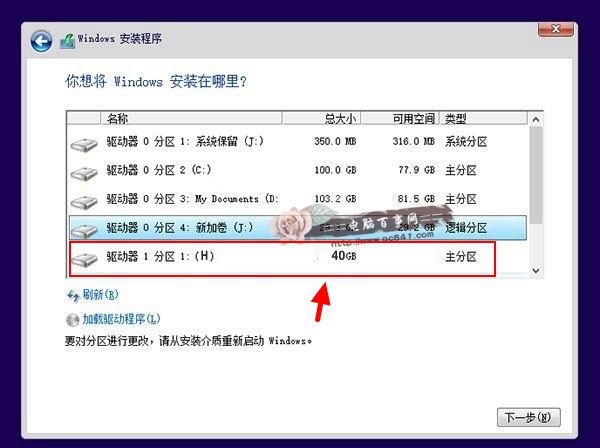
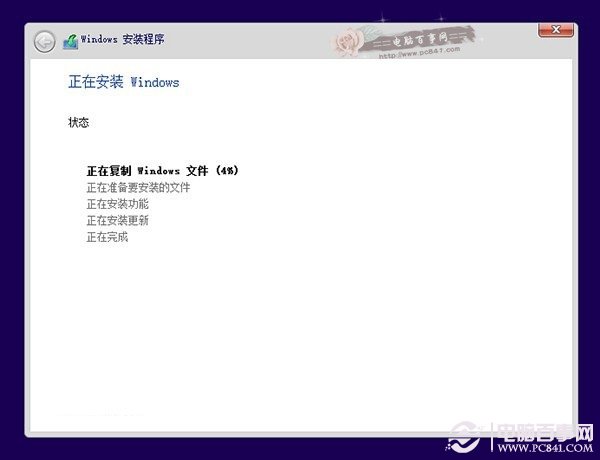
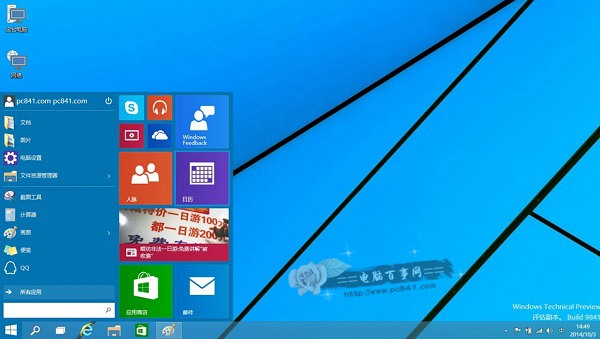
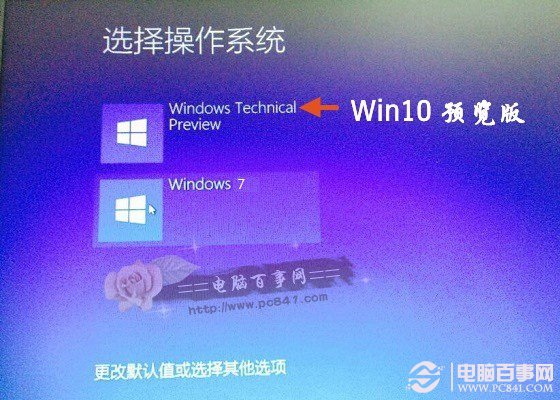
開機將出現系統選單,可自由選擇進入 Windows 7 或 Windows 10。此法無需修改 BIOS、無需虛擬光碟/USB,全程在 Windows 7 環境完成,適合無隨身碟/光碟機用戶。