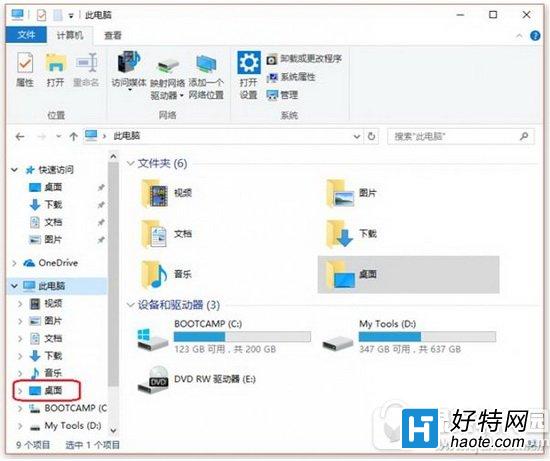
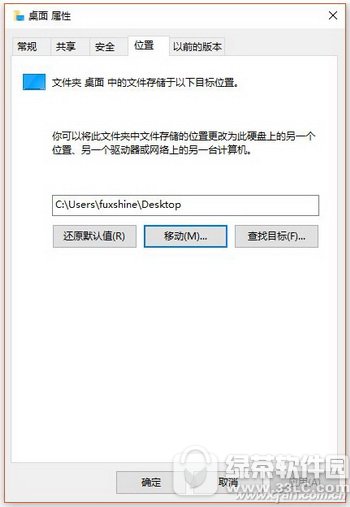
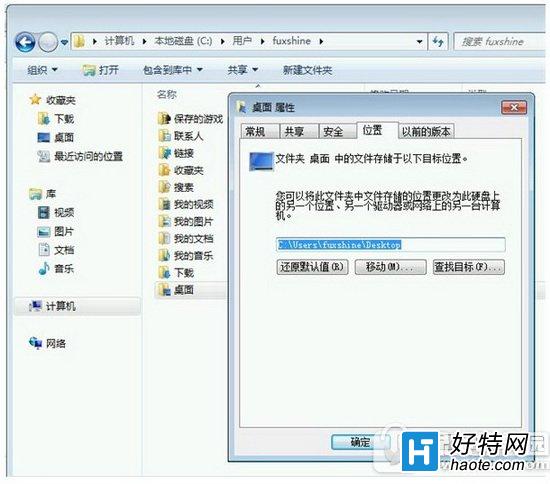
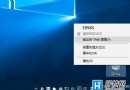
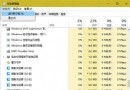
Win10 C 槽空間持續縮減,系統清理僅治標不治本。根本解法:將預設使用者資料夾(桌面、文件、圖片、下載)移至其他磁碟:
Win7 用戶需先進入 C:\Users\你的帳號 找到實體資料夾再移動(總管左側僅為捷徑)。
C:\Users\你的帳號
移動後不僅騰出 C 槽空間,重裝系統時個人資料也較安全。
Win10 升級 9226 出現 0x80240020 錯誤解決方法
Win10 應用商店無法下載應用?四招解決:重新登入、重置快取、疑難排解、重置更新服務
Win10 呼叫 Win7/8.1 傳統「個人化」設定:透過登錄新增右鍵選單快速存取
Windows 10 開啟「系統屬性」的三種經典方法
Win10 這麼好為何不升級?用戶堅守 Win7/XP 的真實心聲
為什麼要升級 Win10?六大理由與三種升級管道完整說明
Win10 任務列顯示程式圖示設定:自訂通知區域圖示
Win10 9901 恢復傳統 Windows 更新介面:登錄表修改教學