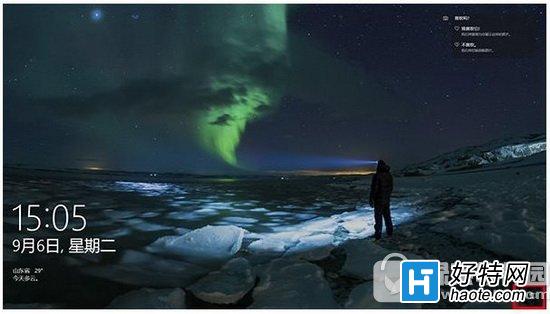
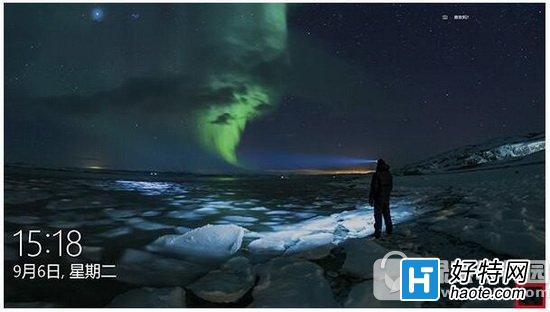
Win10 鎖定畫面右下角預設顯示網路圖示,若覺得礙眼可透過登錄檔隱藏(同步隱藏登入畫面網路圖示)。
regedit
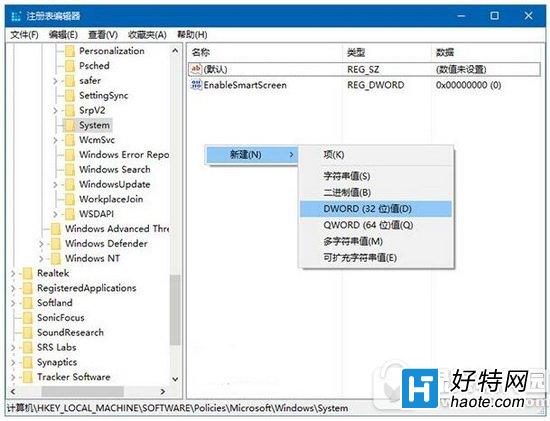
HKEY_LOCAL_MACHINE\SOFTWARE\Policies\Microsoft\Windows\System
DWORD (32-bit) 值
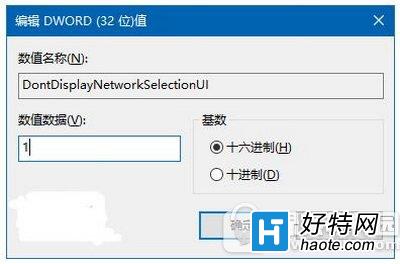
DontDisplayNetworkSelectionUI
1
想恢復預設,將數值改回 0 或刪除該值即可。
0
Windows 10 天氣應用程式變更主頁顯示城市的方法
Win10 內建「疑難排解」自動修復功能完整教學:音訊、網路、印表機一鍵診斷
Win10 CMD 命令提示字元全新特性:支援複製貼上、視窗最大化、文字自動換行、自訂配色
Win10 註冊 Skype 同聲翻譯:Insider Hub 申請預覽資格,支援英西互譯
Win10 IE 瀏覽器跳出「伺服器正在執行中」?停用「背景智慧型傳輸服務」即可解決
Windows 10 刪除與重建搜尋索引的完整教學
Win10 開啟/關閉硬碟寫入快取功能完整教學
Windows 10 離線安裝 .NET Framework 3.5 完整教學:DISM + 安裝映像零網路部署