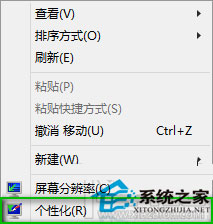
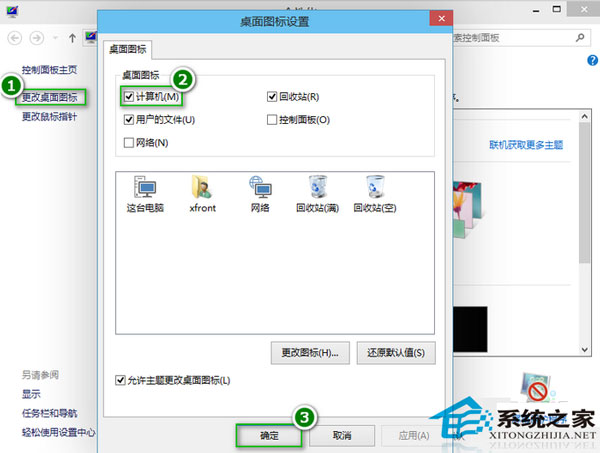
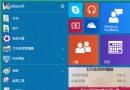
Windows 10 桌面預設不顯示「這台電腦」(我的電腦/電腦) 等系統圖示,需手動開啟。
取消勾選可隱藏。此設定自 Win7 以來介面一致,熟悉度高。
Win10 清除通知區域已解除安裝程式殘留圖示(註冊表 TrayNotify)
Win10 內建截圖工具 (Win+Shift+S) 失效修復:路徑修正與系統檔案修復
Win10 關閉應用程式共享功能:保護隱私防止資料外洩
Windows 10 設定喚醒睡眠需登入密碼的安全設定
Win10 如何綁定 Microsoft 帳號到本機電腦?
Win 10 Excel 開啟緩慢三大解法:關閉 Cortana、修改登錄表 DDE 設定、Excel 選項取消忽略 DDE
Win10 筆電螢幕亮度調整:行動中心、設定、快速鍵、外接螢幕完整指南
Win10 打造個性化 Cortana 搜尋列:註冊表解鎖後自訂顏色、邊框、放大鏡、頂端模式、提交箭頭