Windows XP Windows 7 Windows 2003 Windows Vista Windows 綜合教學 Linux 系統教學
Windows 10 Windows 8 Windows 2008 Windows NT Windows Server 電腦軟體教學

Win10 清除通知區域已解除安裝程式殘留圖示(註冊表 TrayNotify)

編輯:Win10 系統應用技巧

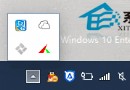
解除安裝後通知區仍殘留圖示,且「選擇顯示哪些圖示」介面仍可見,需清除登錄 TrayNotify 兩項值。

  1. Win+R → regedit,展開:
    HKEY_CLASSES_ROOT\Local Settings\Software\Microsoft\Windows\CurrentVersion\TrayNotify
  2. 右側刪除 IconStreams 與 PastIconsStream 兩值。
  3. 工作管理員結束 explorer.exe → 檔案 → 執行新工作 → explorer 重啟殼層。
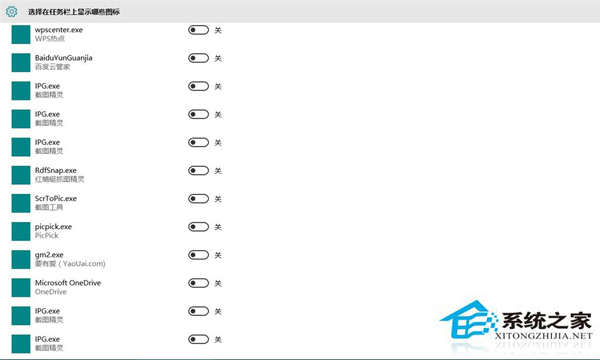
徹底清除註冊表殘留值後,解除安裝程式圖示不再顯示。

Copyright © Windows教程網 All Rights Reserved