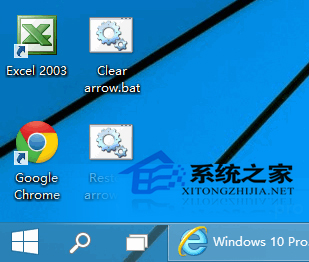
桌面捷徑左上角小箭頭讓人覺得「不正統」,可用批次檔移除:
reg add "HKEY_LOCAL_MACHINE\SOFTWARE\Microsoft\Windows\CurrentVersion\Explorer\Shell Icons" /v 29 /d "%systemroot%\system32\imageres.dll,197" /t reg_sz /f
taskkill /f /im explorer.exe
attrib -s -r -h "%userprofile%\AppData\Local\iconcache.db"
del "%userprofile%\AppData\Local\iconcache.db" /f /q
start explorer
pause.bat(如 Clear_arrow.bat),彈出警告點「是」。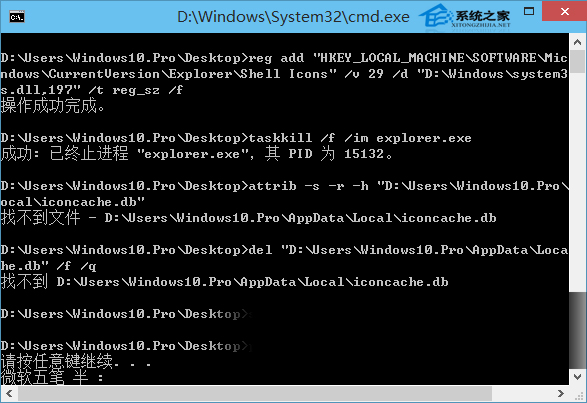
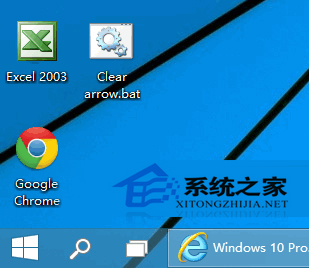
想恢復箭頭,執行對應刪除註冊表值的批次檔即可。Win10 桌面預設僅有回收站,自行加入捷徑機率高,不喜歡箭頭者可依此操作。