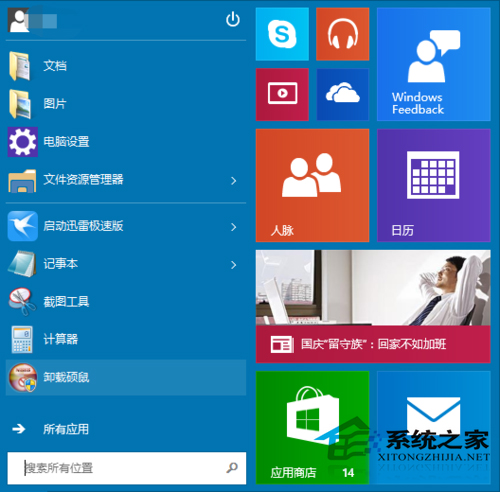
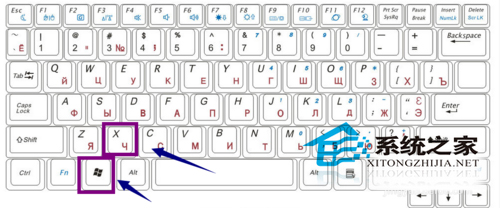
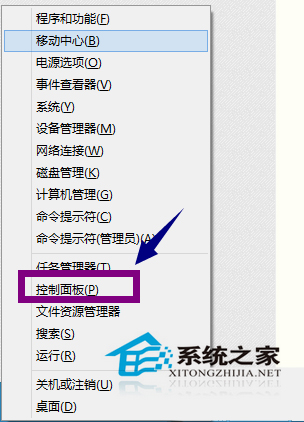
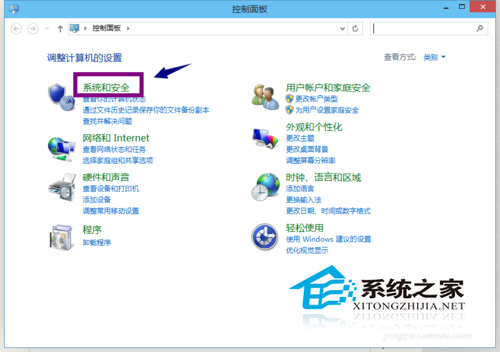
Win10 睡眠模式預設喚醒需密碼,覺得麻煩的用戶可關閉:
關閉喚醒密碼可加快恢復速度,但會降低安全性,請依使用環境權衡決定。
惠普 Pavilion x2 (2015) 實測:10.1 吋二合一平板,Atom Z3736F、Type-C、Win10 升級體驗
英文版 Win10 透過註冊表安裝中文升級包
Win10 周年更新最低配置門檻提高:內存 2GB/硬盤 16-20GB,驅動人生一鍵檢測老電腦能否升級
Win10 呼叫 Win7/8.1 傳統「個人化」設定:透過登錄新增右鍵選單快速存取
Win10 迅雷點擊下載連結無反應?修復瀏覽器關聯 或 右鍵「在新分頁開啟」強制喚醒
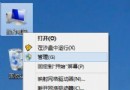
Win10 開啟「電腦管理」三種方法:右鍵這台電腦、檔案總管、執行指令
Win10 網速慢怎麼辦?一鍵釋放 20% 預留頻寬提升速度
Win10 安裝驅動程式藍屏 cmudaxp.sys 錯誤怎麼解決?更新 C-Media 聲卡驅動並封鎖自動更新