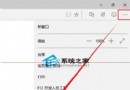
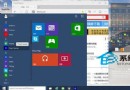
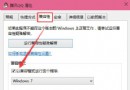
Win10 提供多種 Modern 介面視覺模式,包含高對比度模式,適合不同環境需求。開啟方法:
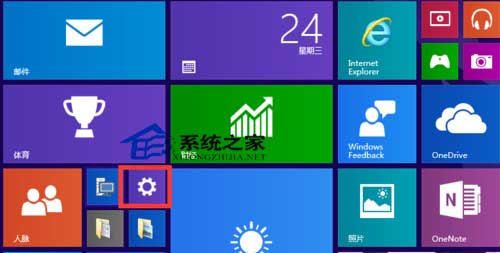
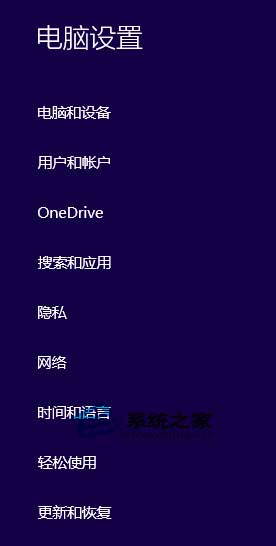
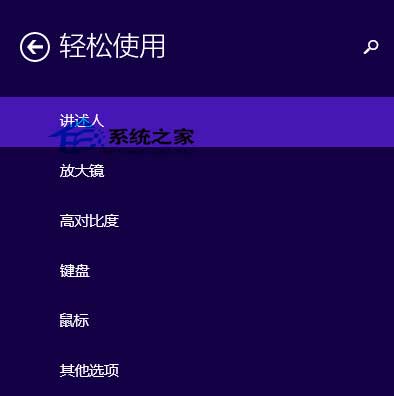
高對比度模式可增強視覺辨識度,適合弱視用戶或特殊光線環境使用。
Win10 遊戲/程式提示缺少 xinput1_3.dll 解決:安裝 DirectX 執行階段
微軟澄清盜版升級 Win10 桌面將有水印:購買正版授權後可消除
Win10 開啟全螢幕開始選單 (類 Win8 風格):「使用全螢幕開始畫面」開關
Windows 10 無法安裝 Windows Phone 恢復工具?三大常見錯誤解決方案
Windows 10 檔案無法複製到 USB 隨身碟解決:註冊表新建 WriteProtect=0 解除寫保護
Windows 10 去除桌面捷徑小箭頭:註冊表修改法,一鍵還原清爽桌面