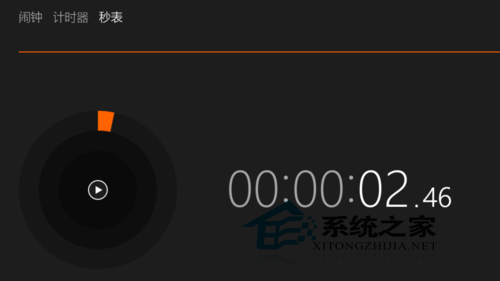
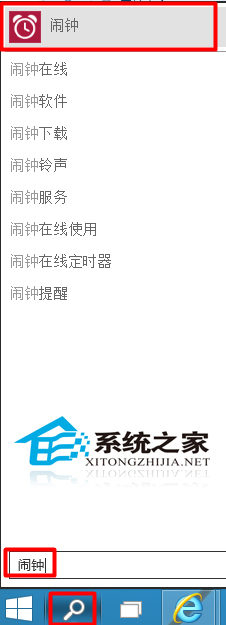
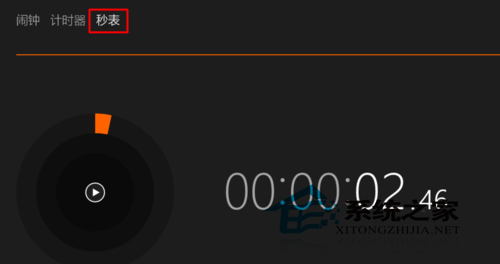
Win10 內建「鬧鐘與時鐘」應用包含秒錶、計時器、世界時鐘等功能。
秒錶支援繼續、重設、圈數記錄,適合運動計時、實驗測量等場景。
Windows 10 設定允許應用程式通過防火牆通訊的管理教學
Windows 10 售價公布:與 Win8.1 持平,家庭版 737 元、專業版 1233 元
Win10 如何建立 PPPoE 撥號連線?圖文教學輕鬆上網
Win 10 檔案總管找不到光碟機?登錄表修復教學
Win 10 選取 16 個以上檔案右鍵選單項目消失?修改 MultipleInvokePromptMinimum 突破限制
Windows 10 「行事曆」應用更換背景圖片:右鍵選單一鍵自訂
Win10 控制台打不開?修復 .cpl 檔案關聯與系統檔案
Win10 連上 Wi-Fi 卻無法上網?五大成因與對應解決方案