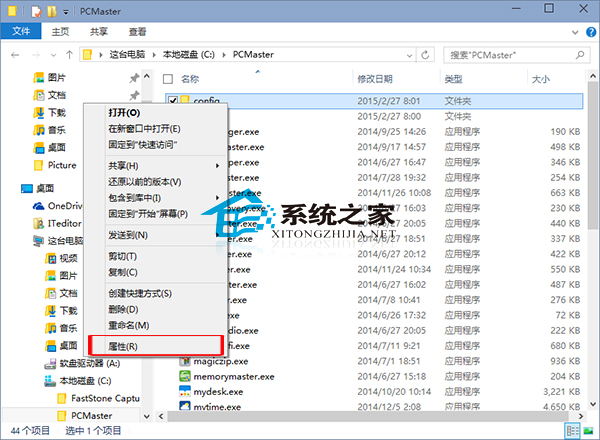
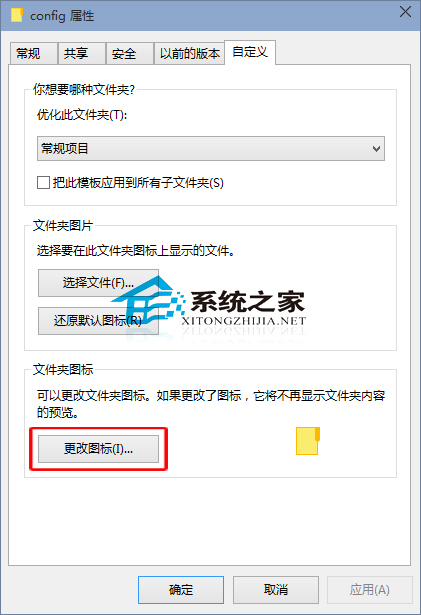
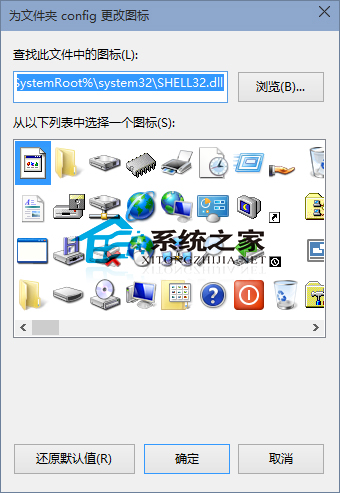
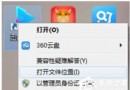
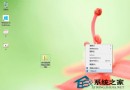
善用特定資料夾圖示可區分不同用途資料夾。Windows 10 如何更換圖示?
亦可讓資料夾顯示文字圖示,有興趣可自行嘗試。
Win10 安裝啟用中文語言包:LPKSetup 命令導入 .cab 語言包,系統完整漢化
Win10 螢幕變紅(紅屏)怎麼辦?三大解決方案:換驅動、重裝監視器、色彩校正
Win10 開始功能表磚塊佈局亂了?刪除單一資料檔一鍵還原預設排列
Win10 如何開啟生物辨識(Windows Hello)指紋/臉部/虹膜登入?
Win 10 啟用桌面預覽 (Peek) 功能:工作列屬性勾選「使用速覽預覽桌面」
Parallels 11讓Mac運行Win10:喚醒Cortana、查看通知中心
Win10 取消代理伺服器設定:Win+R 快速開啟 Internet 選項
Win10 登出與鎖定電腦兩大法:開始選單右鍵、Alt+F4 快捷鍵