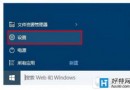
自 Windows 8.1 起,微軟將 Skype 直接整合進系統,Windows 10 自然也繼承這項功能。想在 Win10 上啟動 Skype,其實非常直觀,主要有兩條捷徑可走。
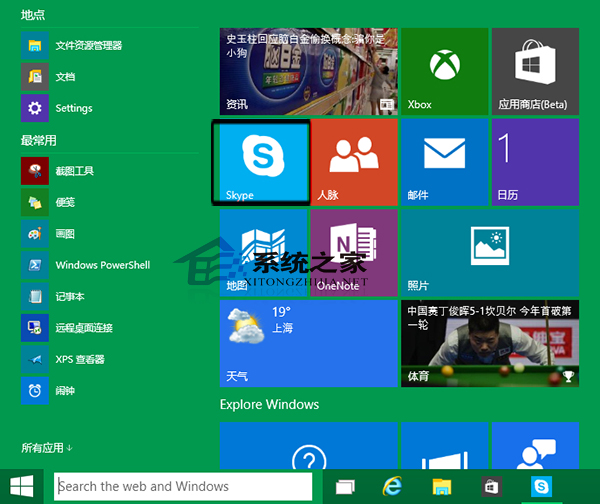
開啟「開始」功能表,右側的動態磚塊區通常會預設顯示 Skype 圖示。找到它,滑鼠左鍵單擊即可啟動。若沒看到,可往下捲動或展開「所有應用程式」列表尋找。
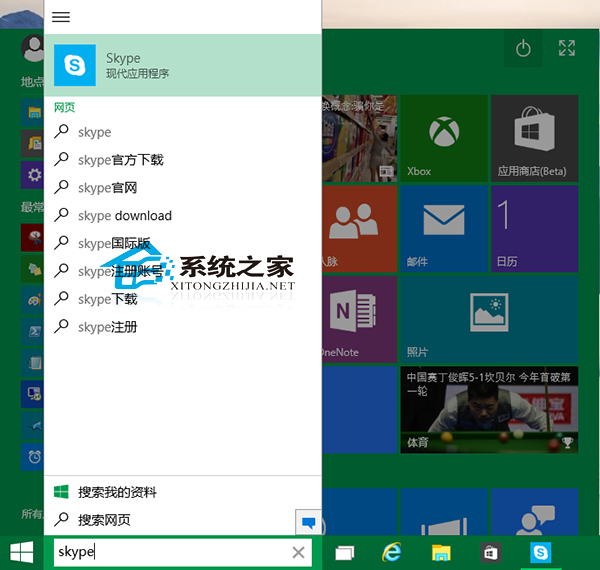
按下 Win 鍵或點擊「開始」按鈕,直接在搜尋框輸入「Skype」,系統會即時顯示最符合的應用程式結果,按 Enter 或點擊圖示即可開啟。
小提醒:早期 Windows 10 預覽版(如 9860)曾出現 Skype 無法載入的情況。若遇到類似問題,可嘗試重設應用程式或重新安裝,通常能解決大多數啟動異常。