Windows 10 提供豐富個人化選擇,照片磚貼應用可自訂背景顏色。
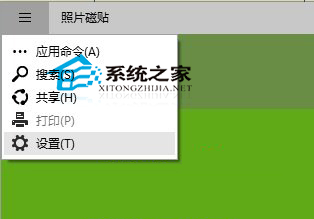
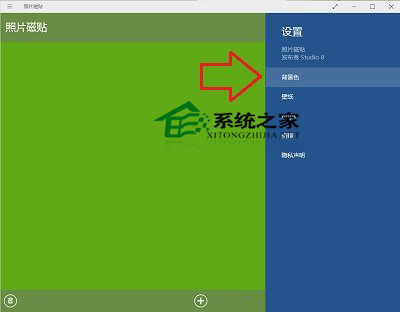
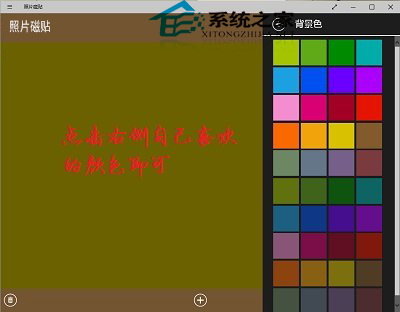
照片磚貼也支援設定照片顯示方式,有興趣可自行探索。
Win10 應用商店新功能藍圖:運費支付、訂閱制、企業/教育版管理、裝置類型篩選評論
Win10 登錄編輯器搜尋功能失效?三招修復 regedit 找不到鍵值
微軟 Win10 整合支付功能:Windows Wallet 重啟、Windows Hello 生物辨識授權、NFC 支援
Win10 檔案總管找回收藏夾:下載現成註冊表檔案雙擊匯入即可
Win10 如何查看磁碟檢查結果?事件檢視器篩選 Event ID 26226 找回 chkdsk 記錄
Windows 10 重設本機帳號密碼技巧 (需已登入 Microsoft 帳號)
Win10 TH2 非作用中視窗標題列也能換色?註冊表 AccentColorInactive 讓非作用中視窗擁有專屬顏色