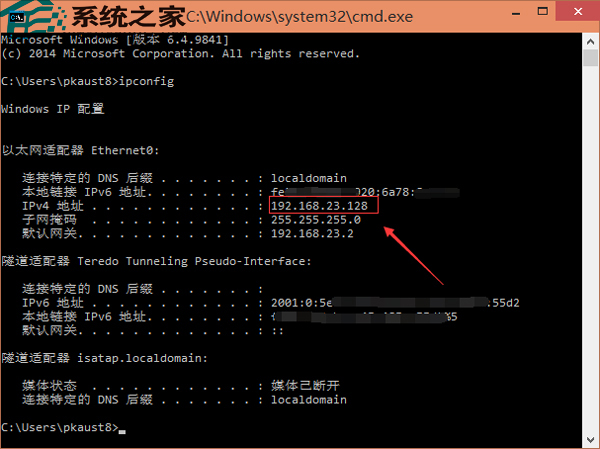
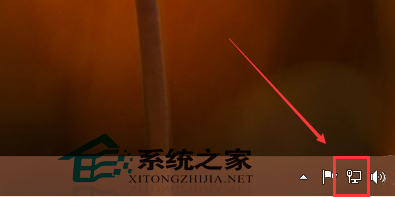
先前介紹過手動設定 IP,但如何查看已設定的 IP?以下提供兩種方法。
cmd
ipconfig
ipconfig /all
Win10 更新驅動導致裝置異常?使用「回復驅動程式」一鍵還原
解決 Win10 桌面圖示文字字型過大:調整「僅變更文字大小」中的圖示項目
Win10 清理 QQ 快取檔案:內建檔案管理一鍵掃描清理,釋放磁碟空間
Windows 10 檔案總管「自訂資料夾」右鍵跳轉失效 Bug 分析
Win10 激活 Office 2013:KMSpico 10.0.5 一鍵激活教學(含備份還原)
Win10 未啟用也能加入桌面圖示:搜尋「顯示或隱藏桌面圖示」繞過個人化限制
Windows 10 系統映像備份教學:控制台文件歷程記錄建立完整磁碟映像
Win10 9879 安裝導致硬碟消失?多為邏輯故障,嘗試修復分區表或恢復 BIOS 設定