Win10 開始選單點擊無反應、Win 鍵無效,核心為「Windows 殼層體驗主機」或 UWP 應用程式註冊損毀。提供「重啟 Explorer」速效法與「PowerShell 重新註冊」根治法。
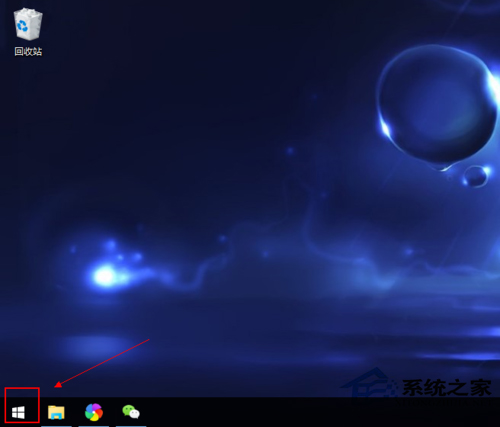
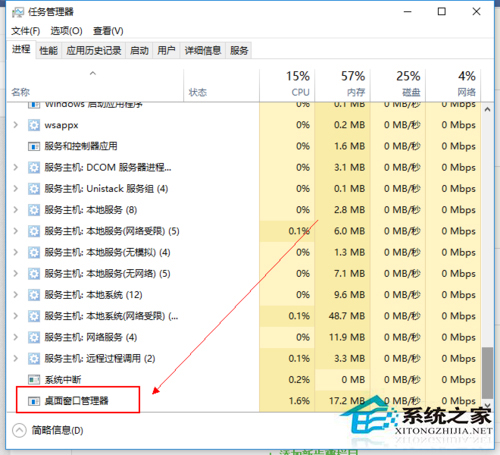
或命令列:
taskkill /f /im explorer.exe
start explorer.exe
powershell > 勾選「以系統管理員身分執行」 > 確定。Get-AppXPackage -AllUsers | Foreach {Add-AppxPackage -DisableDevelopmentMode -Register "$($_.InstallLocation)\AppXManifest.xml"}
sfc /scannow + dism /online /cleanup-image /restorehealth。setup.exe > 選「保留個人檔案和應用程式」升級安裝 (修復系統檔案同時保留資料)。開始選單打不開,先試「重啟 Explorer」3 秒見效,失效再用「PowerShell 重新註冊 UWP」徹底修復註冊損毀,終極手段建立新帳號/就地升級。