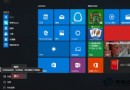
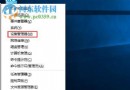
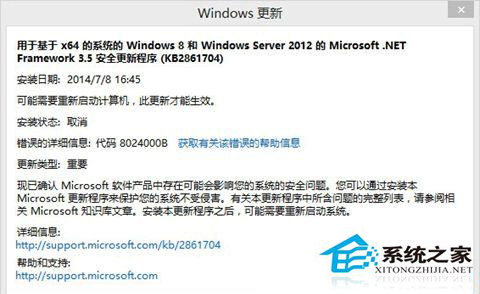
Win10 更新出現 0x8024000B (WU_E_CALL_CANCELLED / 更新代理程式取消),經驗法則重命名 C:\Windows\System32\Spupdsvc.exe 強制更新代理程式重建即可修復。
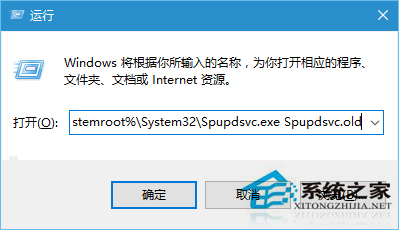
cmd /c ren %systemroot%\System32\Spupdsvc.exe Spupdsvc.old
ren C:\Windows\System32\Spupdsvc.exe Spupdsvc.old。Spupdsvc.exe (Setup Update Service) 為舊版更新代理程式元件 (XP/Win7 時代遺留),Win10 主要使用 wuaueng.dll / MoUsoCoreWorker.exe。0x8024000B)。.old 使其失效,Windows Update 將自動使用現代更新堆疊繼續運作。net stop wuauserv
net stop bits
ren C:\Windows\System32\Spupdsvc.exe Spupdsvc.old
net start bits
net start wuauserv
wuauclt /detectnow
Win10 所有版本 (1507 至 22H2/23H2) 遇到 0x8024000B、0x80240009、0x8024402C 等更新代理程式相關錯誤,均可嘗試此法。
一條重命名指令修復 Win10 更新代理程式異常,避免重置整個 Windows Update 元件的繁瑣操作,極高性價比修復技巧。