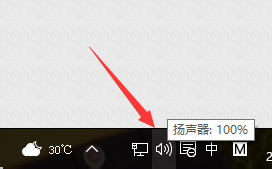
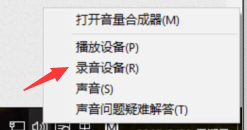
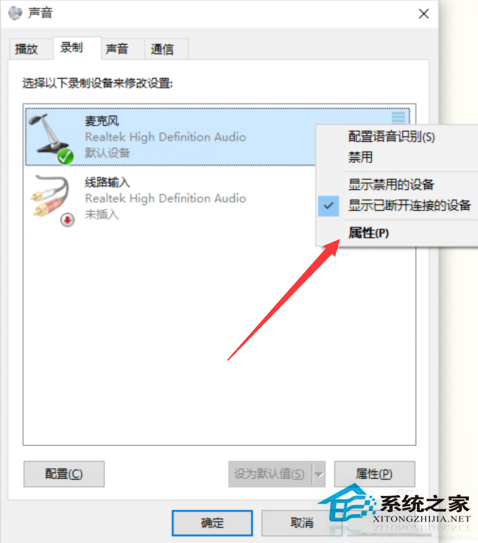
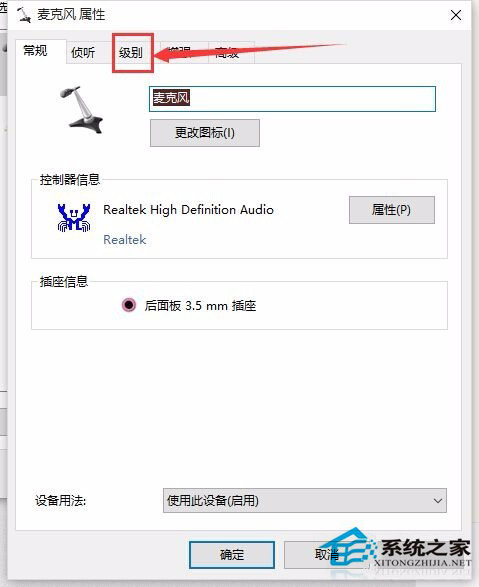
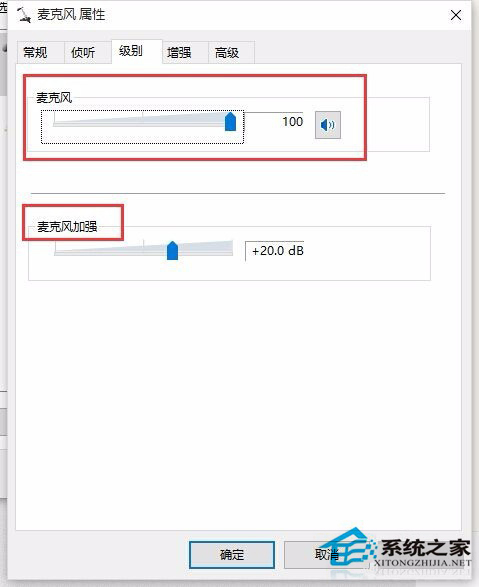
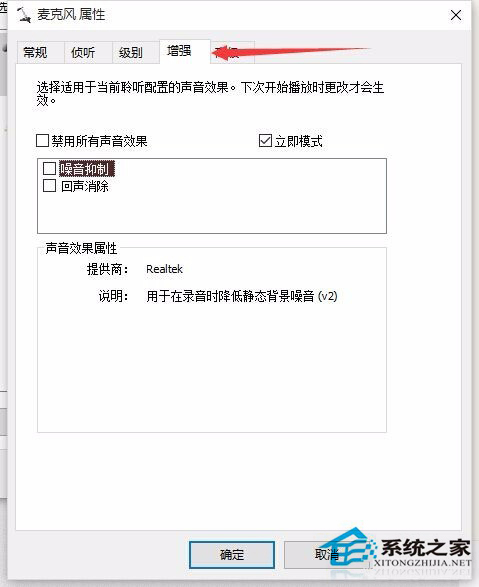
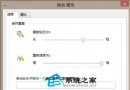
語音聊天對方聽不清,調整麥克風屬性可解決:
若麥克風完全無聲音請參考專文排查硬體/驅動問題。
Win10 調整有線/無線網路優先順序:介面卡躍點數設定法
Win10 無法啟用?常見原因與解決方案完整指南:數位授權、乾淨安裝、產品金鑰
Windows 10 惡意軟體移除工具 (MRT) 使用完整教學:自訂掃描 C 槽
升級 Win10 報 0xc0000017 記憶體不足?清除 BCD 壞記憶體標記
Win 10 Mobile 預覽版 4 月底更新跳票 Office 通用應用首秀延期
Win10 開啟雲端硬碟出現「未指定的錯誤」?匯入登錄檔修復 Explorer 指令
「永恆之石」病毒(EternalRocks)威脅分析與查殺防護指南
Win 10 關閉視窗貼靠:設定 → 系統 → 多工作業 關閉「貼靠」功能