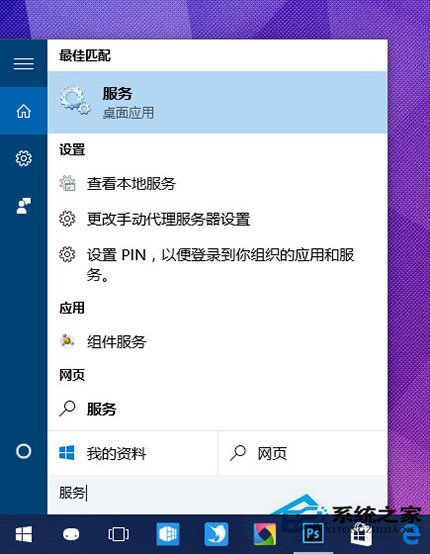
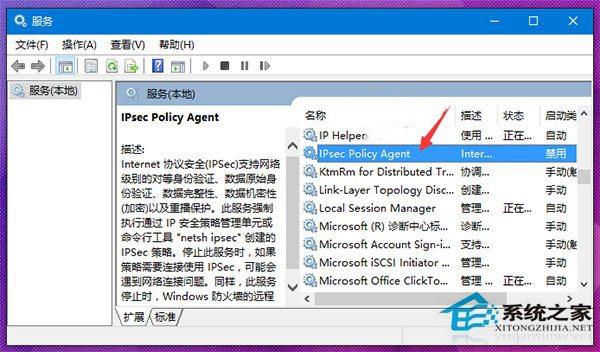
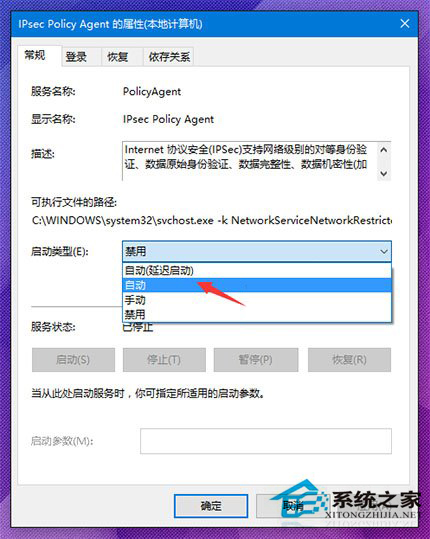
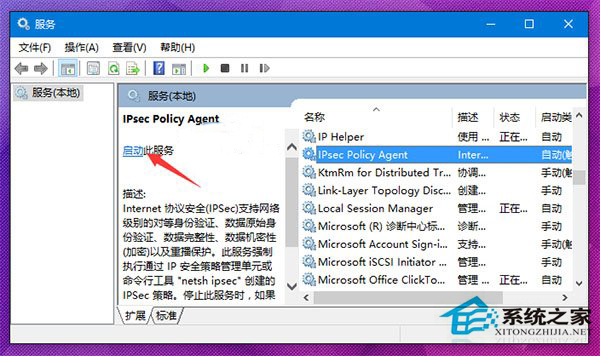
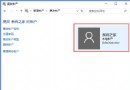
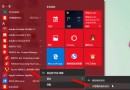
Windows Hello 需先設定 PIN,若 PIN 失效,通常為 IPsec Policy Agent 服務未啟動。
IPsec Policy Agent
services.msc
啟用後 PIN 即可正常使用;若要取消 PIN 登入可參考專文。
Win10 開機預設開啟數字小鍵盤:登錄 InitialKeyboardIndicators 改為 2
Win10 給照片檔案新增備註資訊方便分類管理
Win10 登入 Microsoft 帳號報錯 0xd00000bb?三招修復:換時段、改 DNS、重設 Winsock
Win10 快速啟動選項變灰無法勾選?一鍵解鎖修改
Win10 Windows Update 下載緩慢、卡頓?重置更新服務元件加速
Win10 新增捷徑至「開始」選單「所有應用程式」:複製至 Start Menu 目錄
Win10 開啟/關閉硬碟寫入快取功能完整教學
Win10 10240 累積更新 KB3074674 變化與用戶回饋彙整