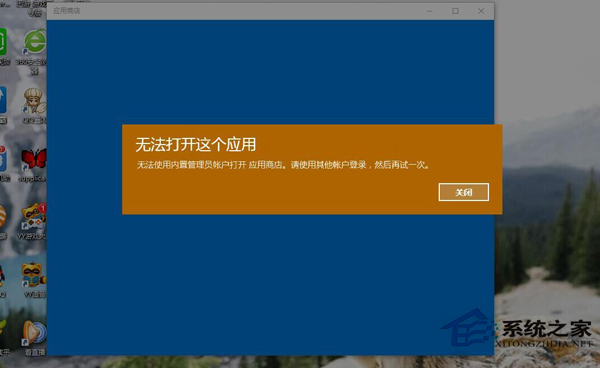
內建應用(相機等)全掛、商店也無法更新,清理商店快取通常能修復。
services.msc
C:\Windows\SoftwareDistribution
SoftwareDistribution.old
wsreset
清理快取後內建應用通常恢復正常。
Windows 10 關閉管理共享(隱藏共享)的三種方法
Win10 僅 Edge 能上網?五大修復第三方瀏覽器無法連網方案
Win10 封鎖預裝應用與遊戲自動安裝:登錄表一鍵關閉內容傳遞
Win10 設定印表機共用:控制台→裝置和印表機→右鍵印表機→印表機屬性→共用分頁→勾選共用
Win10 回退到 Win7/Win8.1 完整圖文教學:9 步驟安全還原,保留啟用狀態
關閉 Windows 10 桌面圖示左上角核取方塊:資源管理器檢視設定
Windows 8.1 開始畫面應用程式管理技巧
Win10 關閉驅動程式自動更新:官方「顯示或隱藏更新」疑難排解工具使用教學