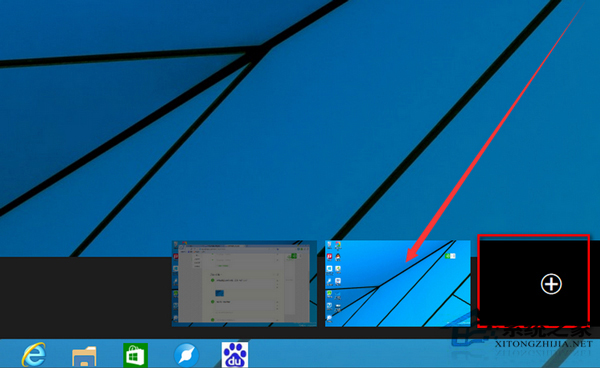
工作列懸停無縮圖預覽,功能被關閉,透過組策略重新啟用。
gpedit.msc
套用後工作列縮圖預覽即恢復。
Win10 將 OneDrive 圖示釘選到桌面:兩步驟建立捷徑,同步存取零距離
Win10 網頁突然放大/縮小:鍵盤滑鼠快捷鍵快速調整
Win10 修改磁碟機代號(盤符):磁碟管理→右鍵磁碟區→變更磁碟機代號和路徑
Win10 如何開啟中文版 Cortana
Win10 如何調整視窗標題列高度與捲軸寬度?登錄表自訂 UI 尺寸
Windows 10 惡意軟體移除工具 (MRT) 使用完整教學:自訂掃描 C 槽
Win10 更新後開機變慢?四大優化方案:msconfig 啟動項/引導進階/虛擬記憶體/快速啟動,不裝 360 也能秒開機
Win10 隱藏桌面圖示 (個別檔案/捷徑/系統圖示) 教學