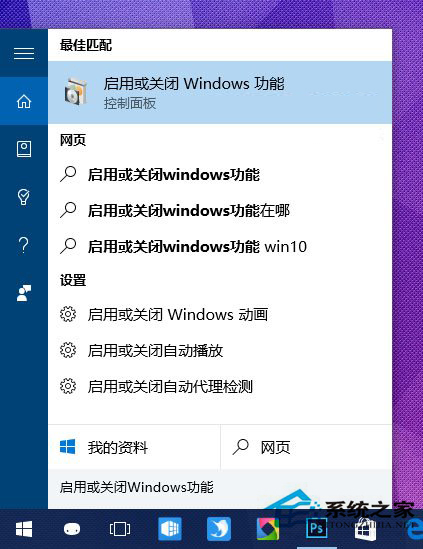
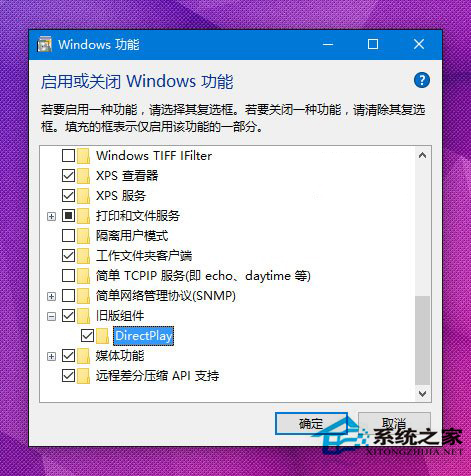
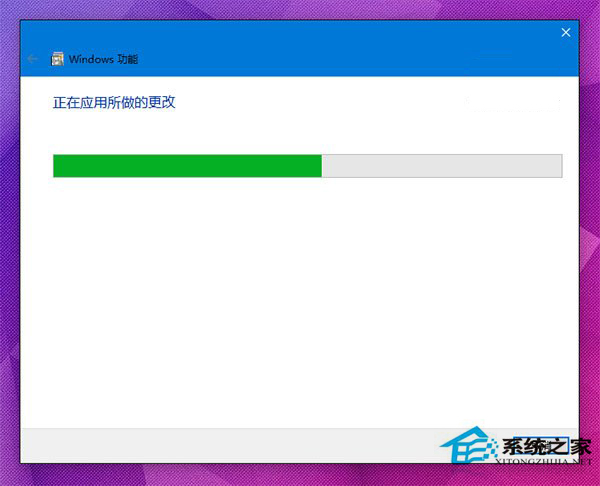
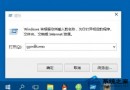
Win10 預設未啟用 DirectPlay,導致早期 DirectX 遊戲出現卡畫、花屏、視窗無法調整等問題。
啟用後老遊戲相容性大幅提升。
Win10 鎖定畫面壁紙無法設定/預覽灰色?取得 SystemData 資料夾完整權限修復
Win10 TH2 年度更新剛推送即災情頻傳:SD 卡、卡住、藍屏、滾回失敗
Win10 KB3132372 補丁導致瀏覽器異常?同 1134,控制台解除安裝並關閉自動更新
Win10 切換專用/公用網路:設定應用網路介面一鍵切換發現裝置與內容
Windows 10 教育版如何移除桌面右下角浮水印?
Win10 藍畫面 0x0000003B 解決:更新晶片組驅動、BIOS、關閉休眠/快速啟動
升級 Win10 後提示「未安裝音訊輸出裝置」怎麼辦?變更預設裝置、回滾驅動、驅動精靈智能安裝
Win10 升級 10159 失敗解決:Microsoft 帳號驗證、修復我功能、快速通道切換三大對策