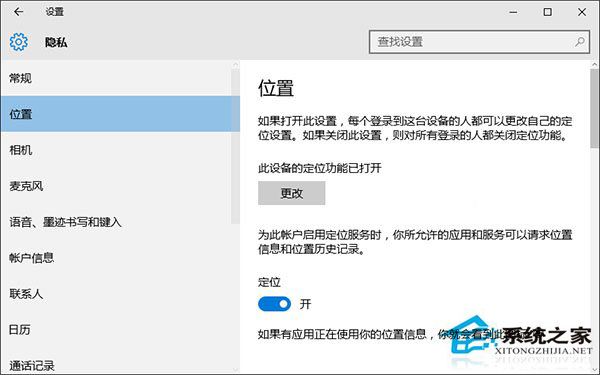
隱私設定中「位置」開關灰色無法切換,因 Geolocation Service 服務未啟動。
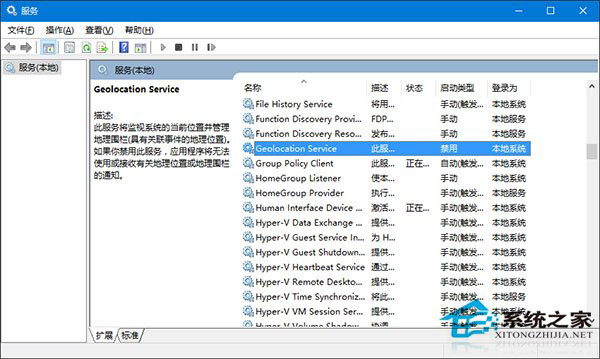
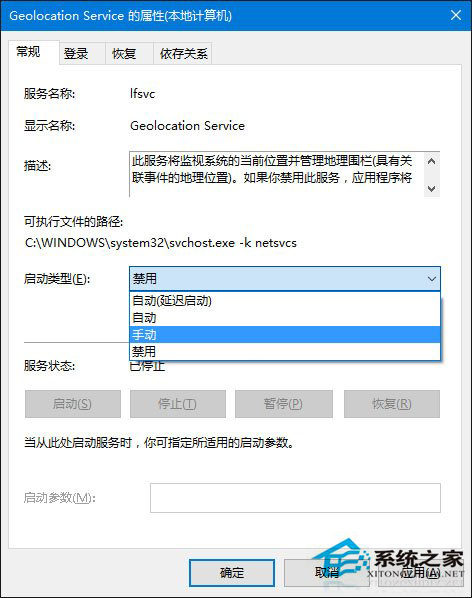
Geolocation Service
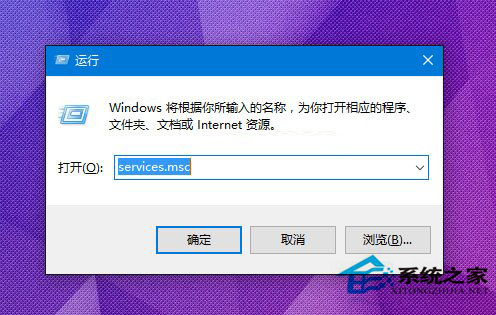
services.msc
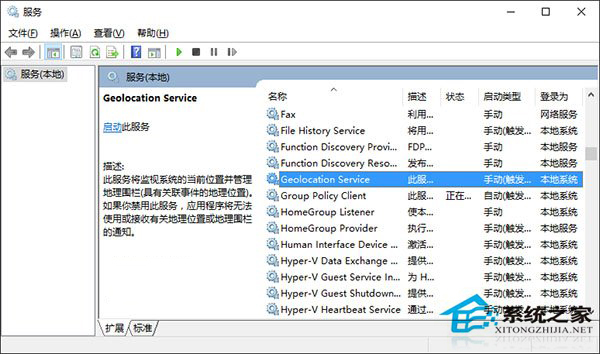
啟用服務後定位功能即正常運作。
Win10 刪除冗余啟動項三大法:軟媒魔方圖形化、Autoruns 官方工具、註冊表手動清理
Win10 IE 瀏覽器無法使用?三大修復方案
Windows 10 更改預設輸入法:設定應用 > 時間與語言 > 區域與語言新增鍵盤
AT&T 面向企業銷售 Surface 3 LTE:預裝 Win 8.1 Pro、可免費升級 Win10、雙年約 $649.99
Win10 電腦變慢?關閉快速啟動釋放資源
Win10 如何阻止系統反覆重置預設應用程式?登錄表修正 Photos App 關聯修復
Win10 Microsoft Store 錯誤 0x80072EE7:修復 Hosts 檔案與網路連線
Win10 運行緩慢優化:效能選項設定「調整為最佳效能」關閉視覺特效提升流暢度