錯誤 0xc1900101-0x30018 代表系統檔案無法完成替換,通常因關鍵更新服務未啟動。
修復步驟
- Win+R →
services.msc 開啟服務。
- 確保下列五項服務「啟動類型」為「自動」或「手動」且狀態為「執行中」:
- Windows Update
- Background Intelligent Transfer Service
- Cryptographic Services
- Windows Installer
- Software Protection
- 重新嘗試自動更新。
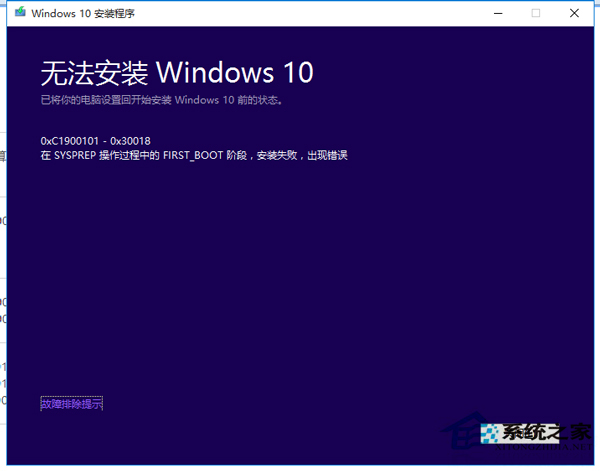
若無效,可能為驅動衝突,建議移除驅動後重試,或參考 C1900101-30018 專文。