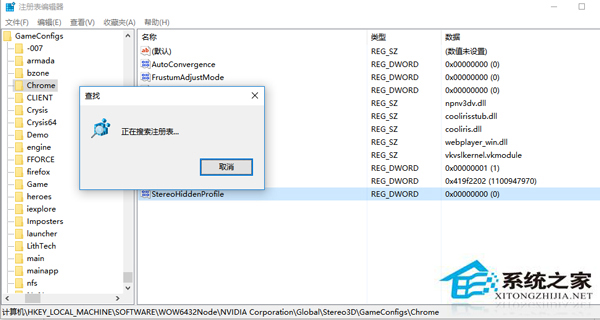
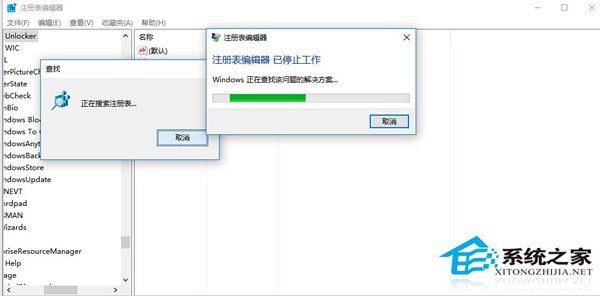
Regedit 按 F3 搜尋卡住無結果,嘗試以下修復:
sfc /scannow
以上方法多數能恢復搜尋功能。
Win10 關閉/移除 Windows 功能元件:控制台程式與功能完整操作
Win10 Chrome 首頁被 2345 篡改無法修改?Windows 清理助手修復 IE 設定同步修復 Chrome
Win10 升級主機板 BIOS 完整圖文教學:官網下載最新 BIOS + @BIOS 工具一鍵刷新
Win10 無法關機/重新開機?四種替代關機法:開始選單、快捷鍵、命令列、實體電源鍵
Win10 如何快速開啟「登入資訊顯示」?登錄修改圖文教學
Win 10 喚出「執行」視窗三法:Win+R、開始搜尋、開始右鍵選單
Win10 企業版如何激活?slmgr 命令列輸入 GVLK 金鑰 + KMS 伺服器完整流程
Win10 更換帳戶頭像教學:三步驟自訂專屬大頭貼