Windows Media Player 是 Windows 內建播放器,支援透過外掛擴充功能,但部分 Windows 10 使用者在播放影片時發現無法載入外掛字幕檔(.srt、.ass 等)。這通常是因為系統內建解碼器與第三方解碼包衝突,或特定 DLL 檔案攔截了字幕解析流程。以下提供簡單有效的修正方式。
C:\Windows\SysWOW64\ 資料夾(64 位元系統),找到並刪除或備份以下三個檔案:
msmpegadec.dllMSMPEG2ENC.DLLmsmpeg2vdec.dll這些檔案是舊版 MPEG 解碼器元件,常干擾字幕過濾器運作。建議先備份再刪除,以便必要時還原。
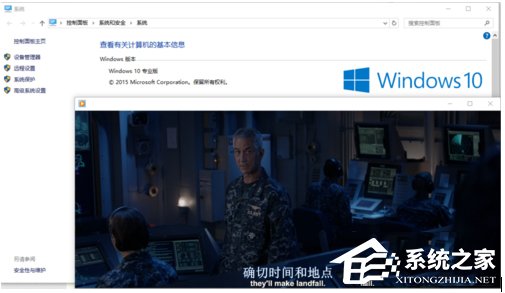
完成上述步驟後重新開啟 Windows Media Player 載入影片與字幕,問題通常即可解決。若仍有異常,可嘗試改用 PotPlayer、MPC-BE 等支援度更高的第三方播放器。