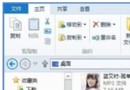
Windows 10 執行《英雄聯盟》進入遊戲黑屏,常見原因:Documents 資料夾路徑異常、顯卡驅動不相容、DirectX 元件損毀、遊戲程序異常。提供四種修復方案可逐一嘗試。
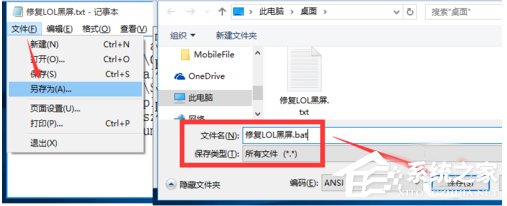
修復LOL黑屏.bat:md C:\Documents
reg add "HKEY_CURRENT_USER\Software\Microsoft\Windows\CurrentVersion\Explorer\User Shell Folders" /v Personal /t REG_SZ /d C:\Documents /f
reg add "HKEY_CURRENT_USER\Software\Microsoft\Windows\CurrentVersion\Explorer\User Shell Folders" /v "My Documents" /t REG_SZ /d C:\Documents /f
attrib +r -s -h "%USERPROFILE%\Documents" /S /D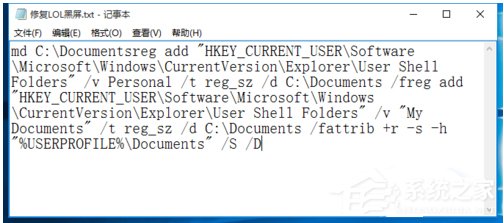
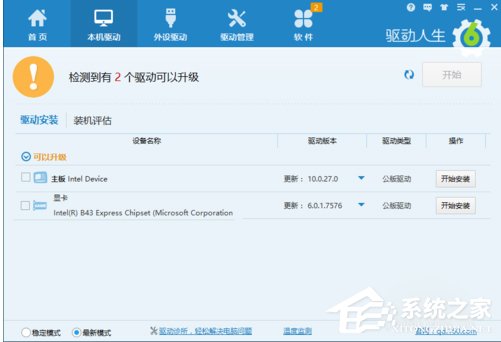
使用「驅動人生」或官網下載最新驅動安裝,可獲得更好渲染效能與相容性。
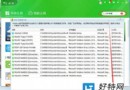
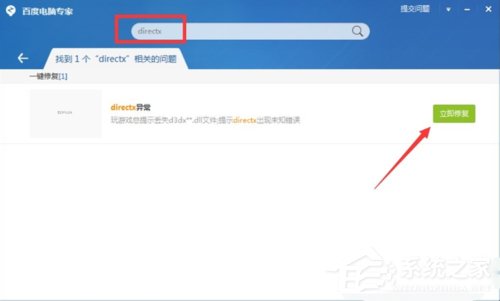
使用「百度電腦管家」搜尋「DirectX」→ 「立即修復」自動補齊損毀元件。

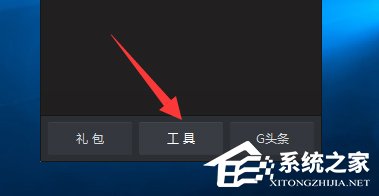
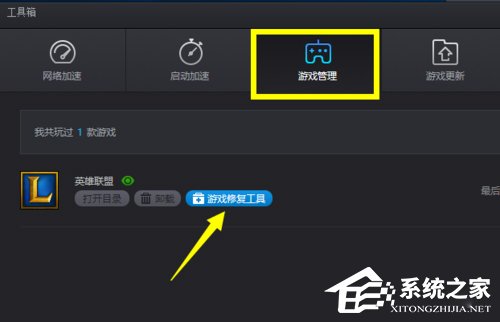
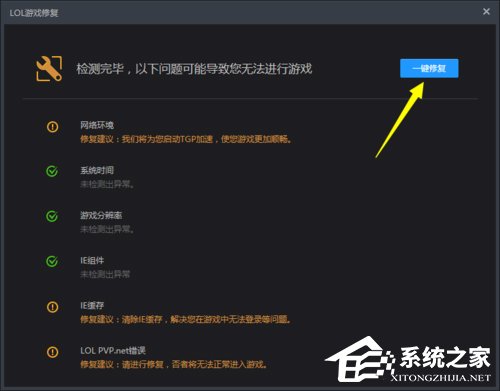
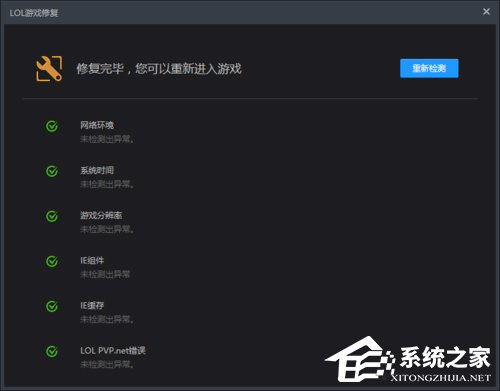
依序嘗試上述方法,多數黑屏問題可解決。