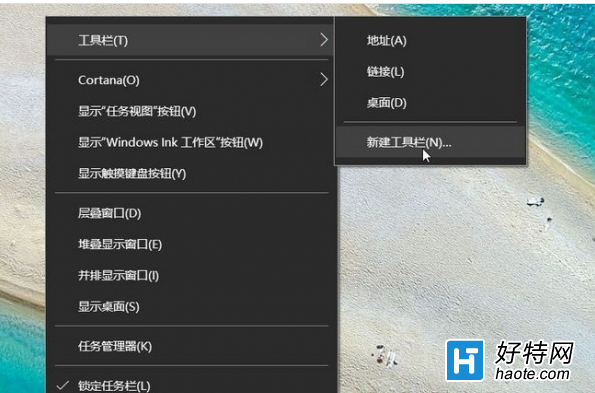
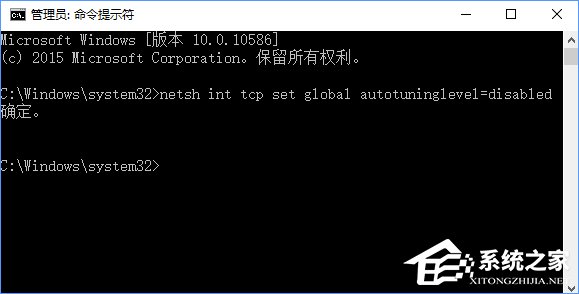
需限制本機帳號網速時,可透過管理員 CMD 關閉 TCP 視窗自動調整,降低傳輸效率達到限速效果。指令:netsh int tcp set global autotuninglevel=disabled。
netsh interface tcp show global,確認 接收視窗自動調整層級 為 normal。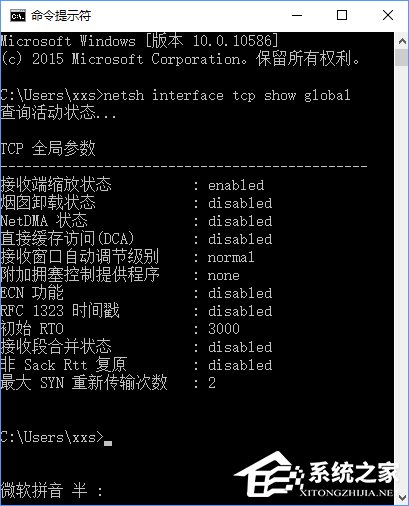
netsh int tcp set global autotuninglevel=disabled,顯示「確定」即生效。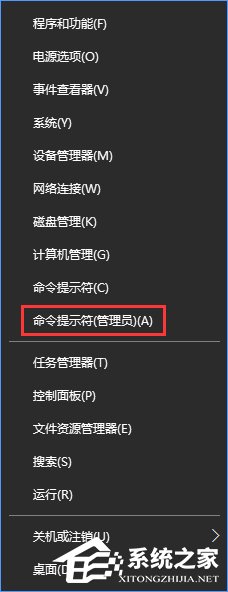
管理員 CMD 執行 netsh int tcp set global autotuninglevel=normal 即可恢復預設。
此法影響全系統 TCP 傳輸效能,非針對單一程式/使用者限速,生產環境建議使用 QoS 原則或第三方流量控制軟體。