Windows XP Windows 7 Windows 2003 Windows Vista Windows 綜合教學 Linux 系統教學
Windows 10 Windows 8 Windows 2008 Windows NT Windows Server 電腦軟體教學

Win10 設定無法開啟解決方案:微軟官方緊急修復工具掃描診斷自動修復 Issue 67758

編輯:Win10 系統應用技巧

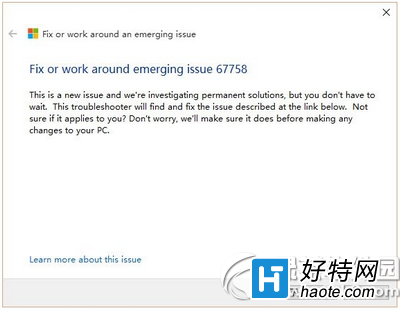
Win10 正式版「設定」App 無法啟動 (Issue 67758),微軟釋出官方緊急修復工具。下載執行後自動掃描診斷系統,若適用則自動回報並嘗試主動修復問題,無需手動操作。
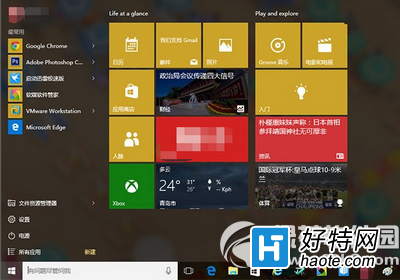
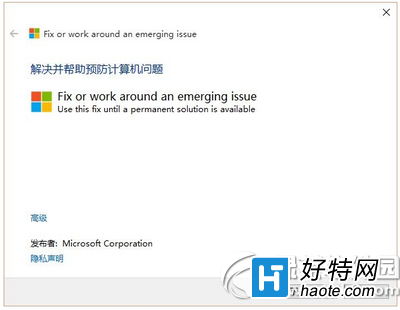
Win10 設定無法開啟錯誤

官方修復工具介面

修復工具掃描診斷過程

替代方案:若修復工具無效,可嘗試 PowerShell 重新註冊所有 App (Get-AppXPackage -AllUsers | Foreach {Add-AppxPackage -DisableDevelopmentMode -Register "$($_.InstallLocation)\AppXManifest.xml"}) 或建立新使用者帳號測試。

Copyright © Windows教程網 All Rights Reserved