Win10 正式版 10240 (TH1) 升級 TH2 (10586) 提升較大。升級步驟:
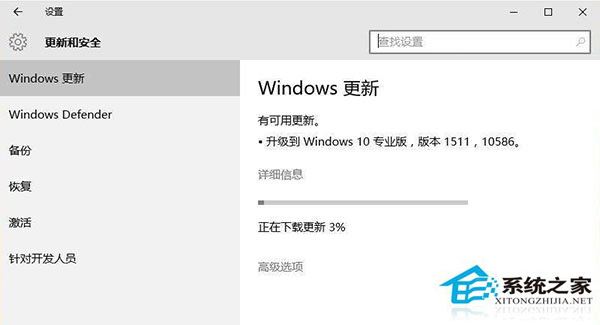
- 開始 → 設定 → 更新與安全性 → Windows Update。
- 系統自動搜尋更新,出現「升級到 Windows 10 專業版,版本 1511,10586」表示準備好安裝新版本。
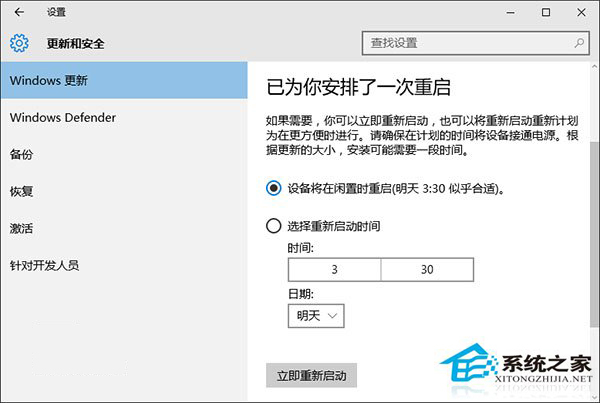
- 預設自動下載安裝,提示「需要重新啟動」可點擊「立即重新啟動」或稍後手動重啟。
- 升級過程自動進行,無需操作。
- 安裝成功進入桌面後,再次檢查 Windows Update 是否有補丁未安裝,完成升級。
升級 TH2 方式與安裝更新相同,因 TH2 本質上是 Win10 的一個大型更新。