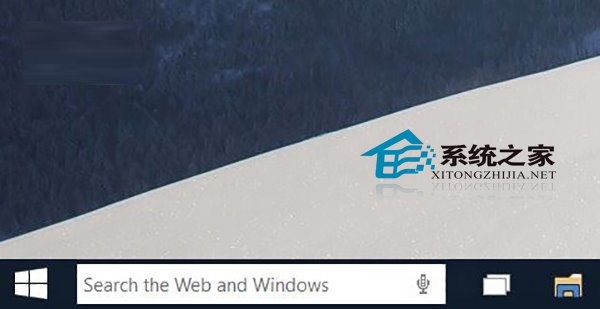
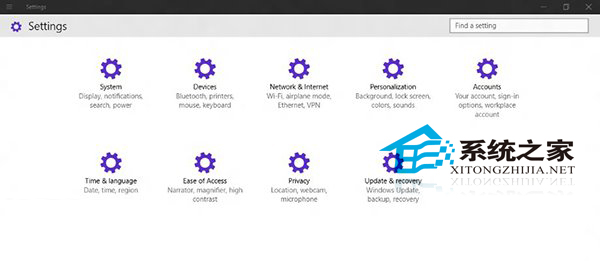
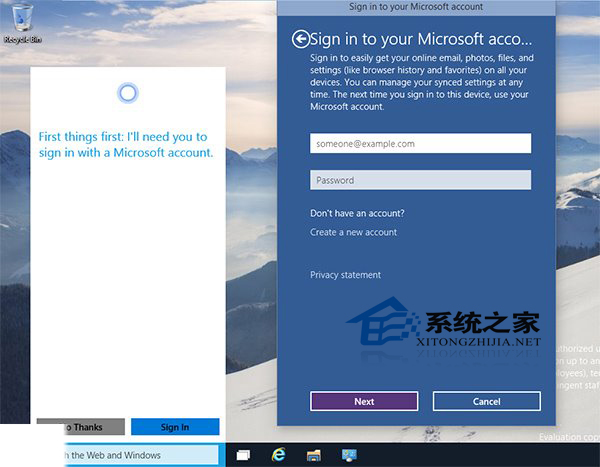
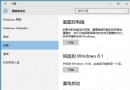
Win10 9901 Cortana(小娜)預設隱藏,啟用步驟:
「Hey Cortana」語音喚醒設定項存在但尚無法正常工作,僅能識別簡單單詞無法搜尋。期待 2015/1/21 一月技術預覽版完善此功能。
Cortana 採問答互動模式,僅在諮詢時顯示資訊,設計獨特。
Windows 10 關閉管理共享(隱藏共享)的三種方法
Win10 小娜 (Cortana) 無法連網解決:隱私權設定與語音資料重設
Win10 Cortana (小娜) 反應緩慢?關閉線上搜尋「不允許 Web 搜尋」群組原則大幅提速
Win10 9926 「設定」應用完整導覽:系統、裝置、網路、個人化、帳戶、時間語言、隱私權、更新安全性
Windows 10 應用商店下載應用安裝位置在哪?隱藏目錄查看教學
Win10 迅雷頻繁崩潰:解除安裝 KB3132372 更新補丁解決
Windows 10 禁止自動更新預覽版本的登錄設定教學
更新 Win10 後電腦藍畫面開不了機怎麼辦?