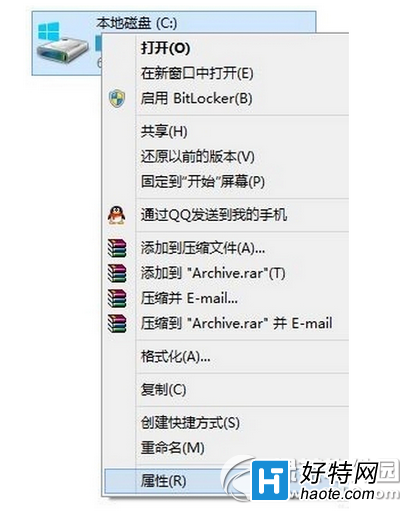
10125 為廠商預發版,接近 RTM,UI 圖示明顯優化。可透過軟媒魔方「圖示大師」提取 C:\Windows\System32\imageres.dll 內所有新版圖示。
imageres.dll。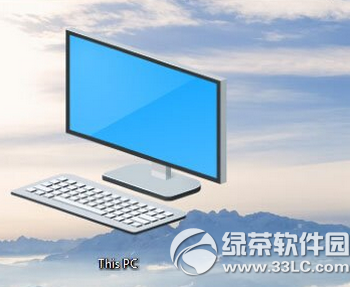
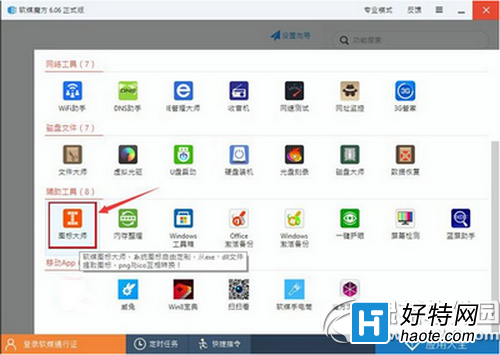
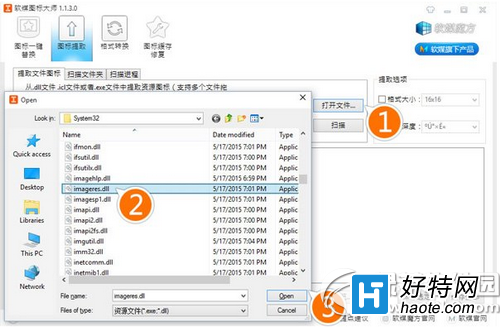
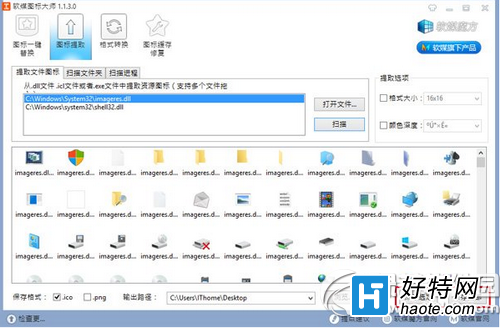
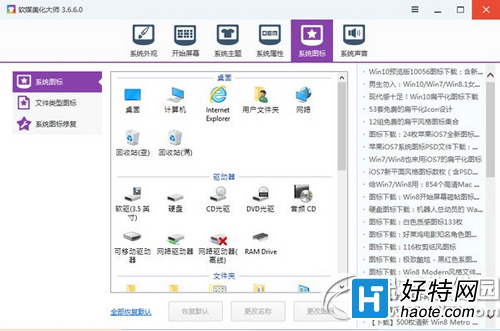
透過系統「個人化」或軟媒魔方「美化大師」替換桌面/系統圖示。文末提供下載連結含完整 ICO 封裝與 64-bit imageres.dll。
Win10 桌面如何加入「使用者的檔案」(我的文件)圖示?個人化設定勾選即可
Win10 設定 Windows Defender 排程掃描:群組原則精細控制快速掃描間隔、時間、完整掃描頻率
Win10 藍屏錯誤代碼 0x0000006B 如何解決?乾淨啟動排查法
Windows 10 開啟「步驟記錄器」:開始功能表 Windows 配件中固定位置
微軟推出 Win10 互動式功能演示網站:新手快速上手、跨裝置體驗預覽、Cortana/虛擬桌面/Edge/照片/地圖完整導覽
Win10 字型模糊/發虛?三大修復方案:DPI 修復工具、停用高 DPI 縮放、登錄調整