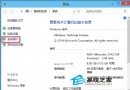
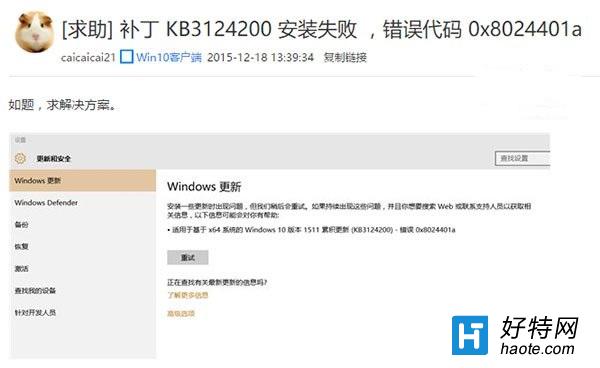
微軟針對 Win10 TH2 (Build 10586) 推送累積更新 KB3124200(版本號 10586.29 → 10586.36),大量使用者透過 Windows Update 安裝時遇到 錯誤代碼 8024401a。社群回報:手動下載離線安裝包(.cab/.msu)安裝即可繞過此錯誤。本文整理官方直連下載連結與檢查碼。
| 架構 | 大小 | SHA1 檢查碼 | 下載 |
|---|---|---|---|
| 32 位元 (x86) | 169 MB | e192fea6855478abe5f7857b54de705b6c8ee874 | Microsoft Update Catalog 搜尋 KB3124200 |
| 64 位元 (x64) | 300 MB | 3d7db57ed1078661f6a5aeb8b758aeee9a2adb83 | Microsoft Update Catalog 搜尋 KB3124200 |
注意:此補丁僅適用於 Win10 TH2 (Build 10586),其他版本(RTM 10240、RS1 11082+)請勿安裝。
.msu 檔案或以管理員權限開啟命令提示字元執行:
wusa.exe "C:\path\to\windows10.0-kb3124200-x64.msu" /quiet /norestart提醒:若手動安裝仍失敗,嘗試:Win+R → services.msc 重啟「Windows Update」服務 → 清理 C:\Windows\SoftwareDistribution\Download 目錄 → 重試。