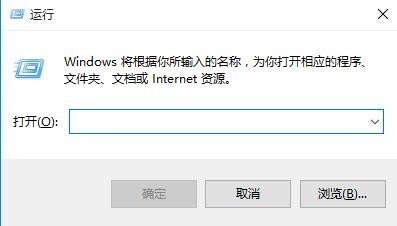
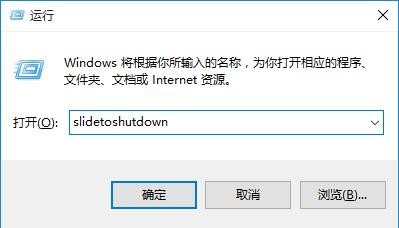
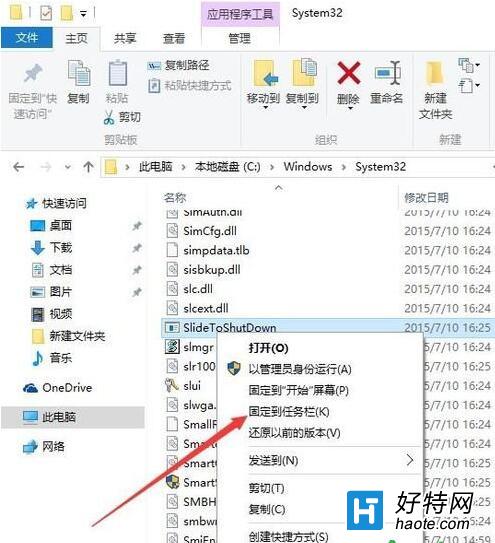
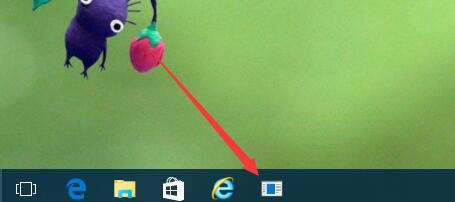
Win10 內置酷炫滑動關機界面 (類手機),喚出方式:
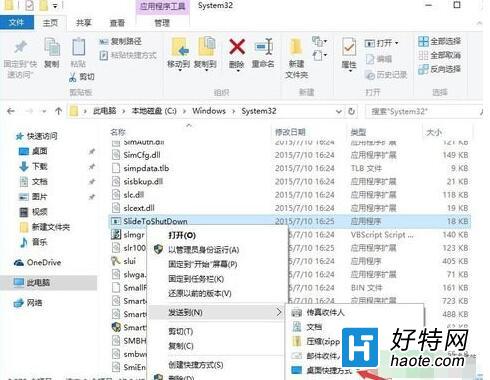
SlideToShutdown
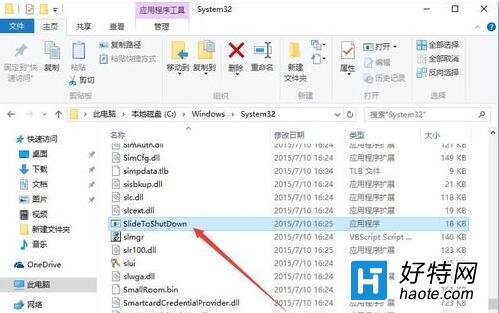
C:\Windows\System32
SlideToShutdown.exe
觸屏設備體驗最佳,非觸屏鼠標拖動同樣絲滑。Geek 裝逼神技,實用又優雅。
Win10 9926 透過登錄還原 Build 9879 傳統開始功能表樣式
Win10 資料夾存取被拒絕?取得系統檔案完整權限圖文教學
Windows 10 啟動小娜的兩種方式:語音喚醒與鍵盤快速鍵
Win10 免費升級期將滿,中國用戶仍死守 XP/Win7:市場份額分析
Windows 10 禁用系統視覺動畫效果提升舊電腦效能
Windows 10 開始選單高度快速調整技巧:Ctrl + 方向鍵秒變大小
Win10 搜尋壓縮檔:系統搜尋框輸入 .zip/.rar 或第三方工具
Win10 開啟快速啟動加速開機:控制台電源選項勾選「啟用快速啟動」