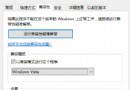
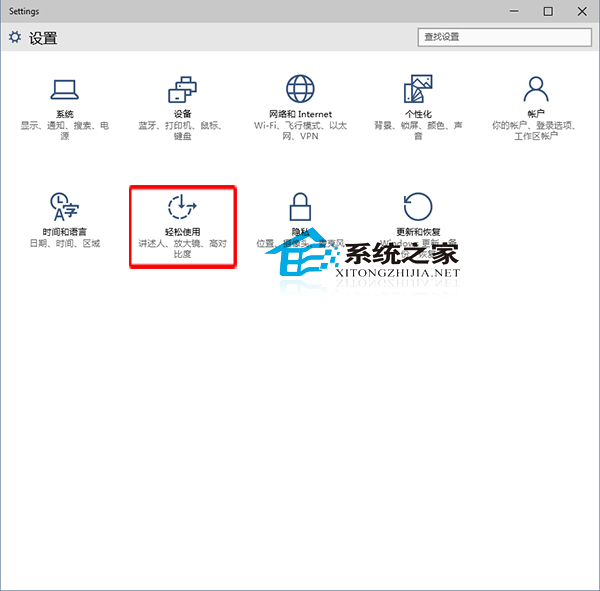
舊電腦執行 Windows 10 卡頓?關閉動畫效果可釋放資源。
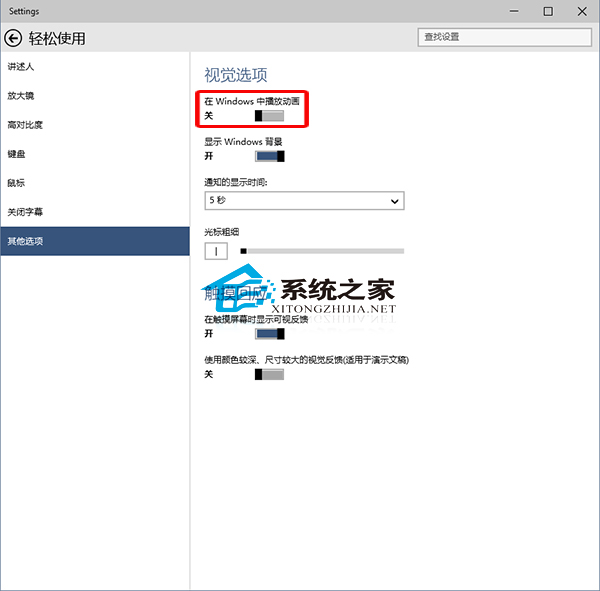
建議對視覺體驗有要求者升級硬體體驗完整 Win10 效果。
Windows 10 更新資訊過於模糊?微軟承諾改善更新日誌透明度
Win10 查看工作群組狀態提示「發生系統錯誤 6118」?關閉防火牆並啟用 Computer Browser 服務即可解決
不格式化 C 槍升級 Win10:掛載 ISO 執行 Setup.exe 保留資料
Win10 清除桌面背景圖片歷史記錄?個人化設定→瀏覽→多設定幾張新圖片覆蓋舊縮圖
Win10 開機無限重開機無法進入系統?嘗試重新插拔記憶體排除硬體故障
Win10 更換產品金鑰:控制台→新增功能輸入新金鑰升級版本
Win10 運行《激戰 2》 卡住無回應?換裝 SSD + 將 gw2.exe 加入 Windows Defender 排除清單